Suno for AI-Generated Music and Songs
Generate a full original song, lyrics and music, from one prompt
How to Generate a Full Song With Suno
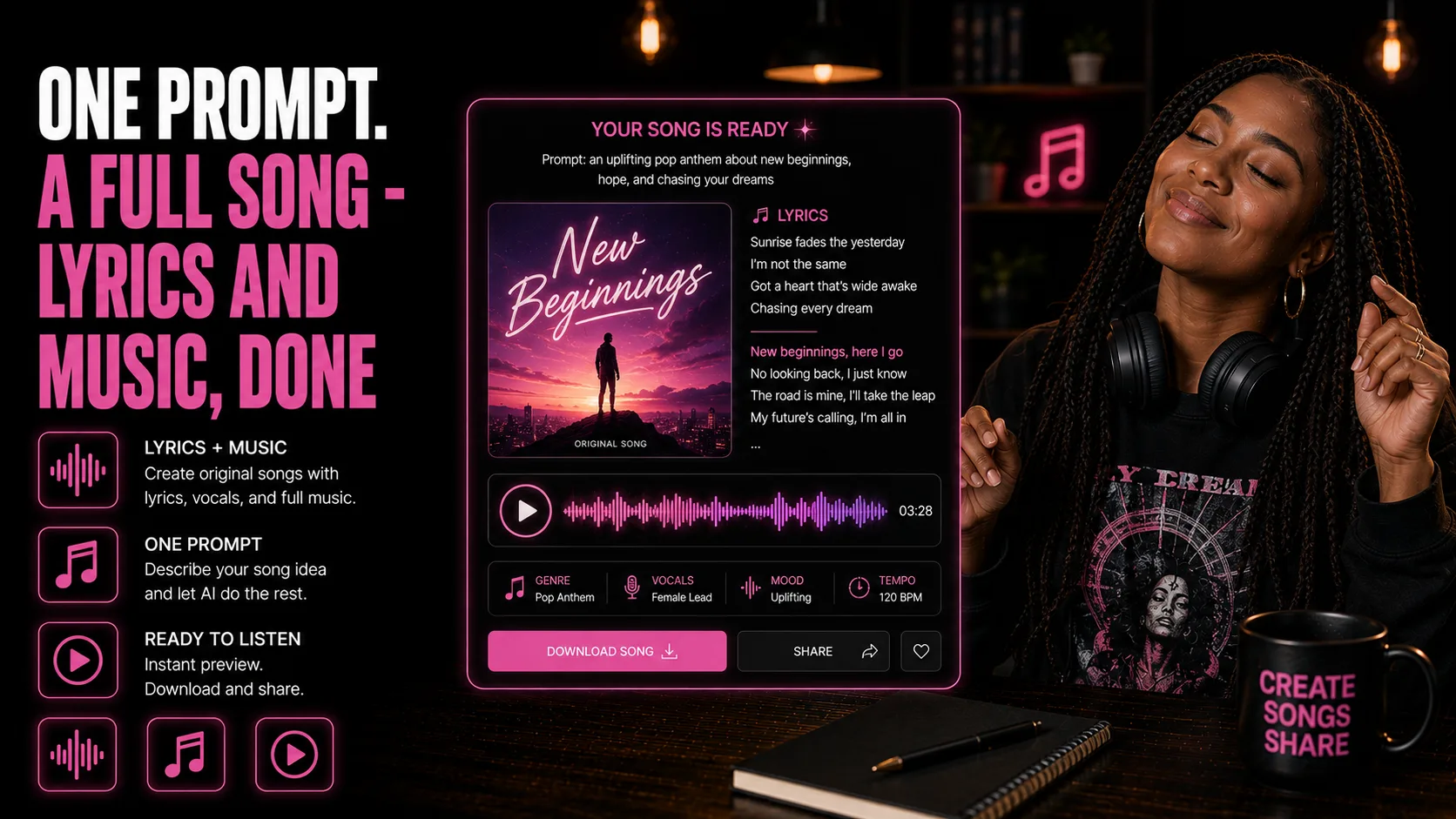
Suno generates full songs — lyrics and music together — from a single prompt, giving content creators and brands a fast way to produce original background music, jingles, or theme songs without licensing stock tracks or hiring a composer.
Who This Is For
- You need original music for videos, ads, podcasts, or social content.
- You want a brand jingle, intro, outro, or theme song without hiring a composer.
- You are tired of searching stock music libraries for something that fits the exact mood.
- You want lyrics and vocals generated alongside the instrumental track.
- You need music options quickly, but still want to check brand fit and copyright similarity before using them.
What You'll Build
- A complete AI-generated song with lyrics, vocals, and instrumentation.
- A clear Suno prompt covering genre, mood, tempo, theme, and purpose.
- A review process for checking lyrics, instrumentation, brand fit, and originality.
- A deployable track for background music, a jingle, a podcast intro or outro, an ad soundtrack, or a standalone branded release.
What You'll Need
- A Suno account.
- A clear use case for the song, such as background music, a jingle, a podcast intro or outro, or a standalone release.
- A genre, mood, tempo, and theme for the track.
- Any lyrics, brand words, or message you want Suno to include.
- Time to review the finished track for brand fit and originality.
Going Further
- Turn the song into video content - Guide: Pika for Instant AI Video Clips (Content Creation).
- Use AI-generated music inside a full content workflow - Guide: Turn One Transcript Into a Full Cross-Platform Content Campaign With Claude (Content Creation).
- Batch social assets around the finished track - Guide: Generate 20 Social Posts and Batch-Design Them in Canva With Bulk Create (Content Creation).