Pika for Instant AI Video Clips
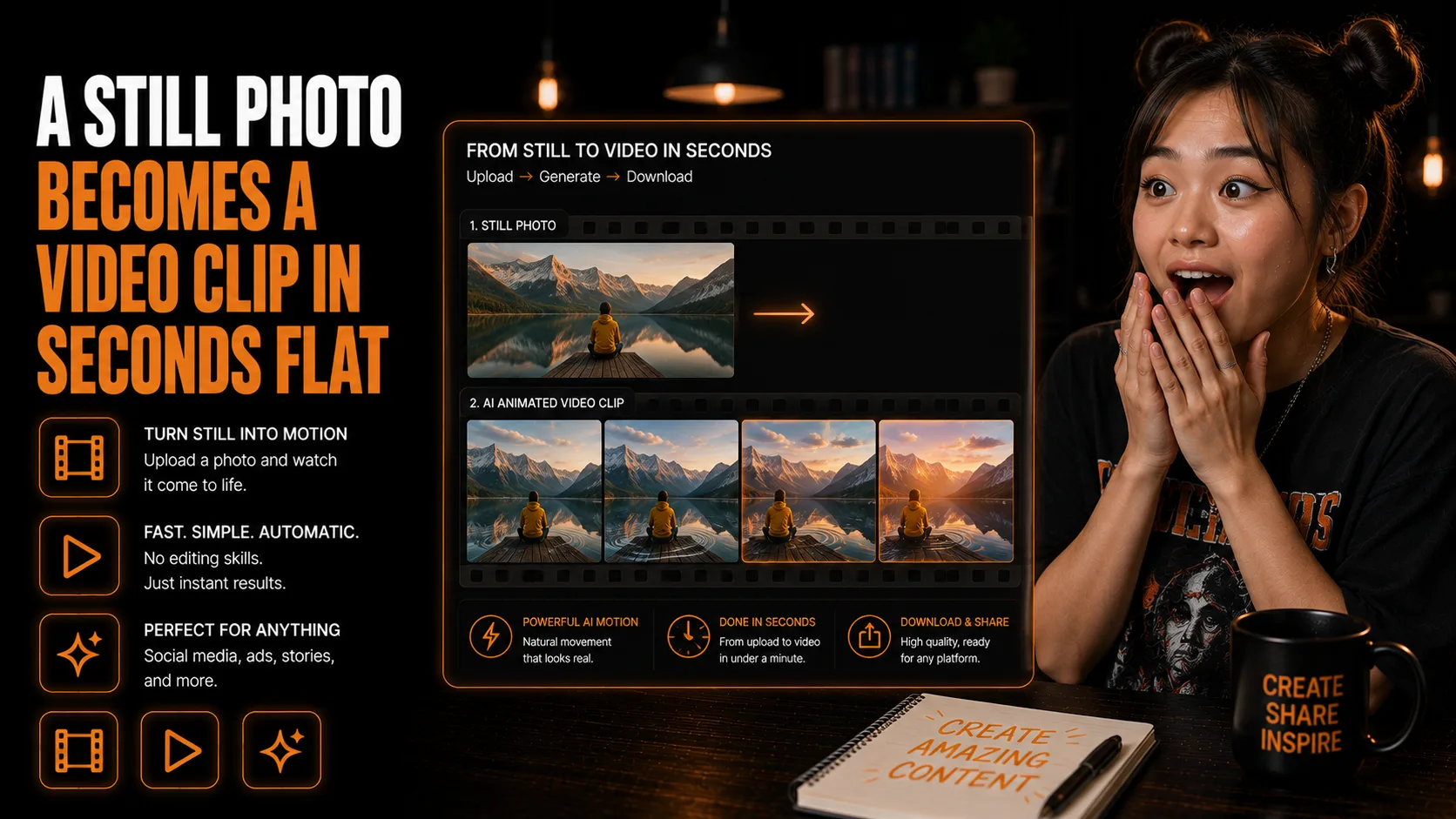
Animate a still image into a short video clip in seconds
Turn a Still Image Into a Video Clip With Pika
Motion content for social feeds without filming a thing
Pika animates still images into short video clips — a fast way to produce eye-catching motion content for social feeds without filming or traditional video editing. Feed it a clean product shot, a graphic, or a branded visual and choose the type of motion you want, from subtle ambient drift to a dynamic pan or zoom.
Who This Is For
- You have product shots, graphics, or branded visuals that would perform better with motion.
- You want short video clips for Reels, Shorts, TikTok, ads, or social posts without filming.
- You need subtle ambient motion for backgrounds, quote cards, or product visuals.
- You want a fast way to test moving creative from a still image.
- You already have strong static images and want to repurpose them into video assets.
What You'll Build
- A short AI-generated video clip from a single still image.
- A simple motion direction, such as ambient movement, camera pan, zoom, or object animation.
- A review process for checking clip length, pacing, and platform fit.
- A reusable workflow for turning product shots, graphics, or branded visuals into social-ready motion content.
What You'll Need
- A Pika account.
- A clean, high-quality source image.
- A clear motion direction, such as subtle ambient movement, camera pan, zoom, or object animation.
- A target platform, such as Shorts, Reels, TikTok, or paid social.
- A place to use the finished clip in your content pipeline.
Going Further
- Add AI music to the clip - Guide: Suno for AI-Generated Music and Songs (Content Creation).
- Use the clip in a full campaign workflow - Guide: Turn One Transcript Into a Full Cross-Platform Content Campaign With Claude (Content Creation).
- Batch social assets around the video - Guide: Generate 20 Social Posts and Batch-Design Them in Canva With Bulk Create (Content Creation).