Meshy: Turn Text or Images Into 3D Models Instantly
Generate a usable 3D model from a text prompt or a single reference image, no modeling skills required
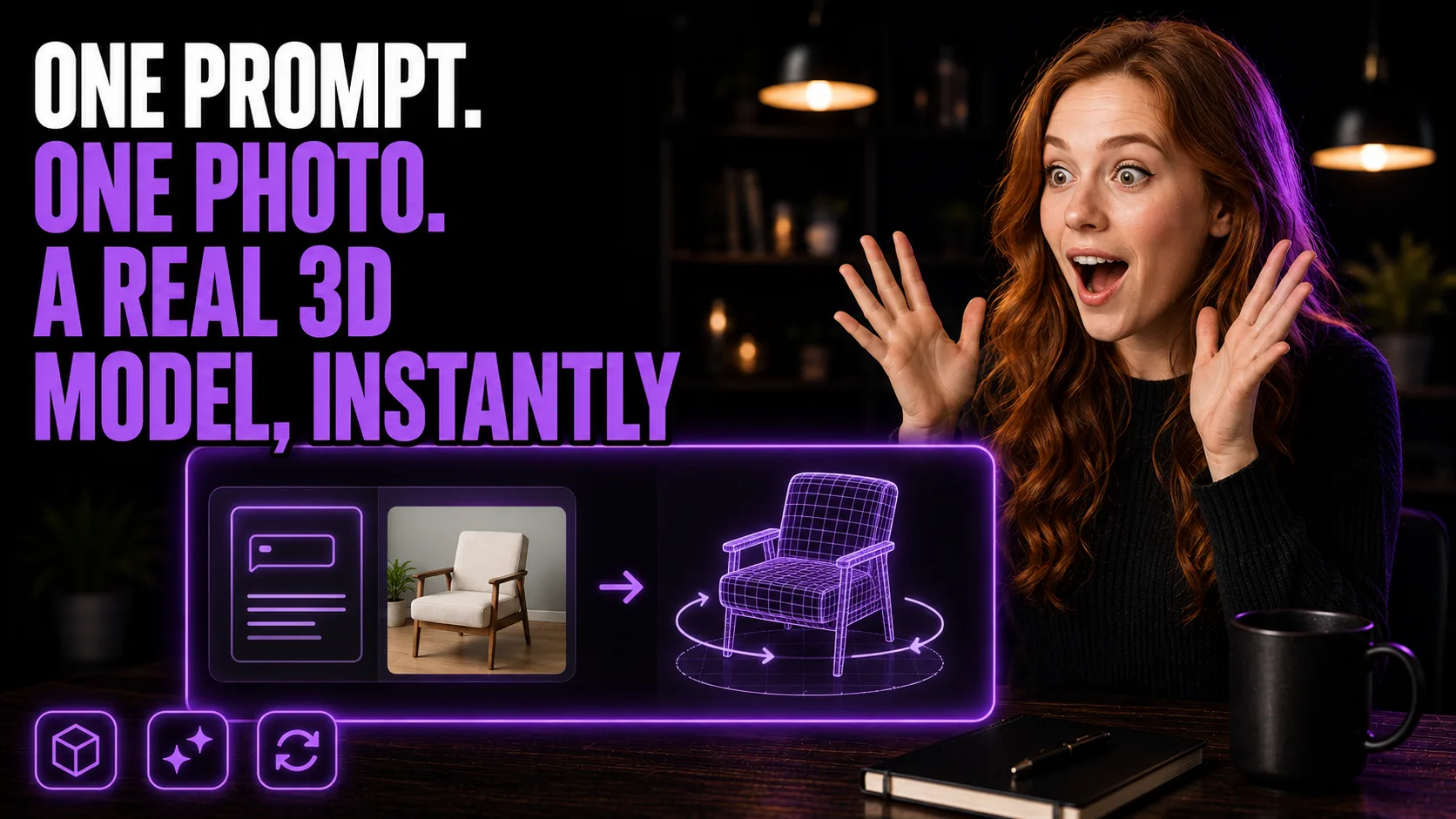
Skip the Modeling Software Entirely
A text prompt or one reference photo is all Meshy needs to produce a 3D model
3D assets used to require either a modeling skillset or a budget for a freelancer. Meshy removes both requirements: it's a no-code tool that turns a text description or a single reference image into a professional 3D model in seconds. For a small business owner, content creator, or product seller, that means product visuals, store listing renders, or content assets without ever opening modeling software. This entry is built from a confirmed core workflow rather than a full click-by-click walkthrough — treat exact UI steps, output formats, and pricing as worth double-checking directly in Meshy before you build a process around it, since tools like this iterate their interface quickly.
Who This Is For
- Small business owners who want 3D visuals without learning modeling software
- Content creators who need fast assets for videos, posts, or explainers
- Product sellers who want object renders, listing visuals, or concept mockups
- No-code builders testing 3D or AR ideas from a prompt or reference image
What You'll Build
- A 3D model generated from either a text prompt or a reference image
- Product visuals, listing renders, or social assets made without traditional 3D software
- A faster concept workflow for testing objects, scenes, and branded props before investing in custom modeling
- A usable export path to bring the model into your design, store, or content workflow
What You'll Need
- A Meshy account and access to its text-to-3D or image-to-3D workflow
- A clear prompt or one reference image for the object you want to create
- Notes on style, materials, proportions, and intended use
- Time to review output quality, export format, and usage rights before publishing