
Guides
315 guides · learn step by step
SalesGuides
Run a 30-Minute Discovery Call With the 5-20-5 Structure
SalesGuides
A Closing Script for Discovery Calls That Actually Converts
SalesGuides
Use FBI-Style Emotional Labeling to Handle Sales Objections

SalesGuides
Use a Simple Sales Call Structure That Keeps Buyers Moving
SalesGuides
Follow Up With Prospects Without Sounding Desperate

SalesGuides
Re-Engage a Prospect Who Stopped Responding
SalesGuides
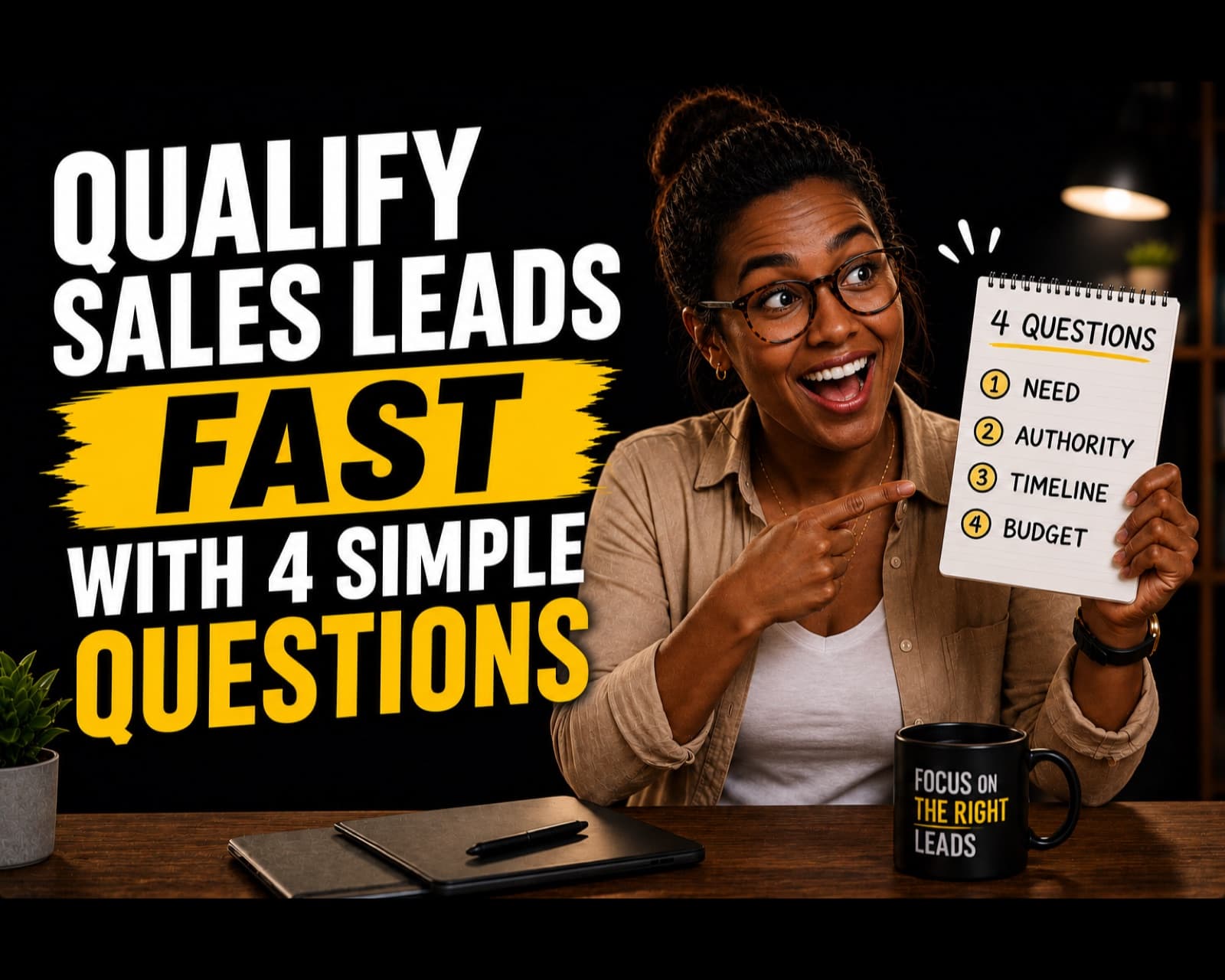
Qualify Sales Leads Fast With Four Simple Questions

SalesGuides
Sell Without Being Salesy by Diagnosing Before You Pitch
SalesGuides
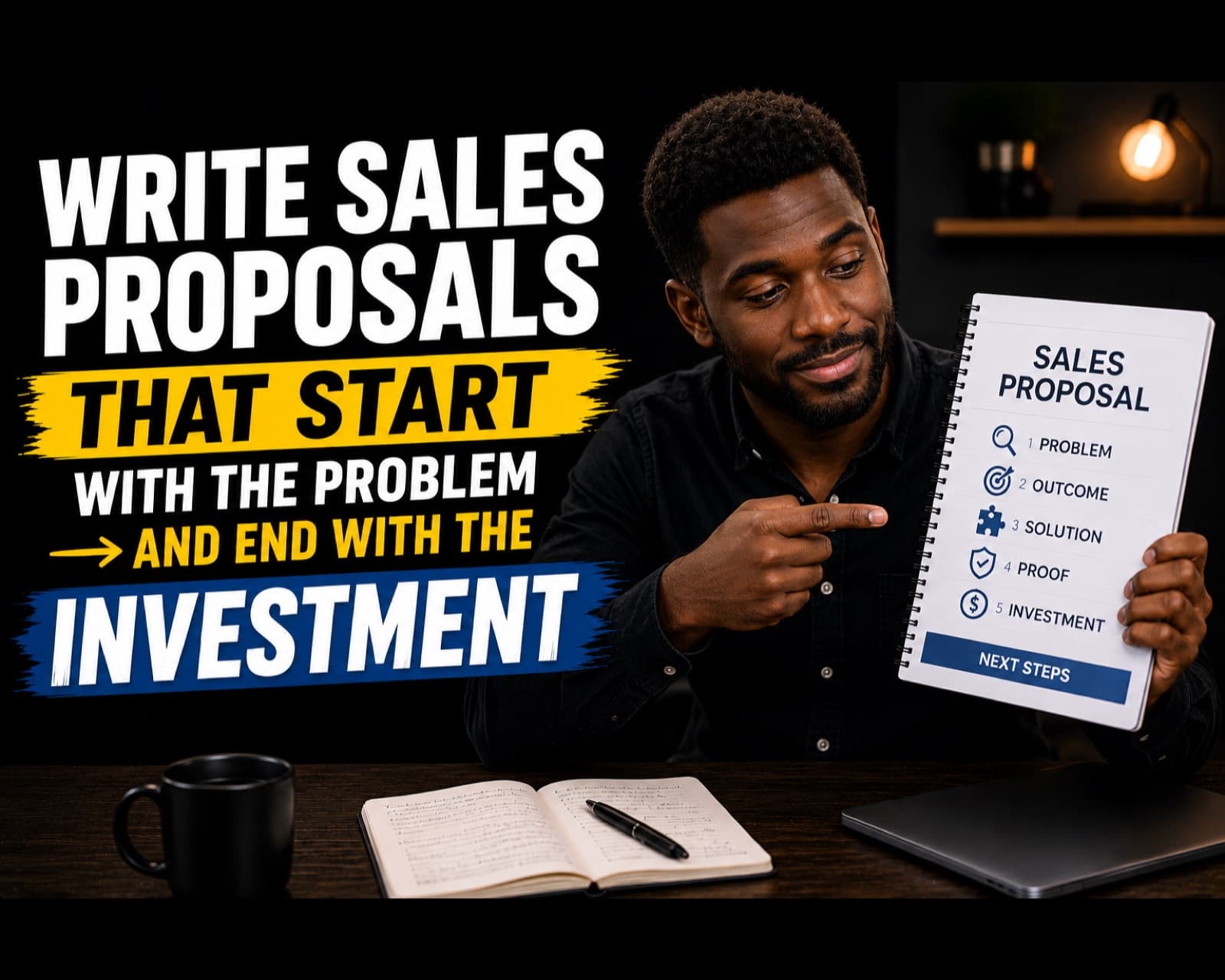
Write Sales Proposals That Start With the Problem and End With the Investment

SalesGuides
Handle the "I Need to Think About It" Objection Without Losing the Sale

SalesGuides
Use Claude to Write More Personalized Cold Outreach
Lead GenerationGuides
Alex Hormozi's $100M Cold Outreach System
Lead GenerationGuides
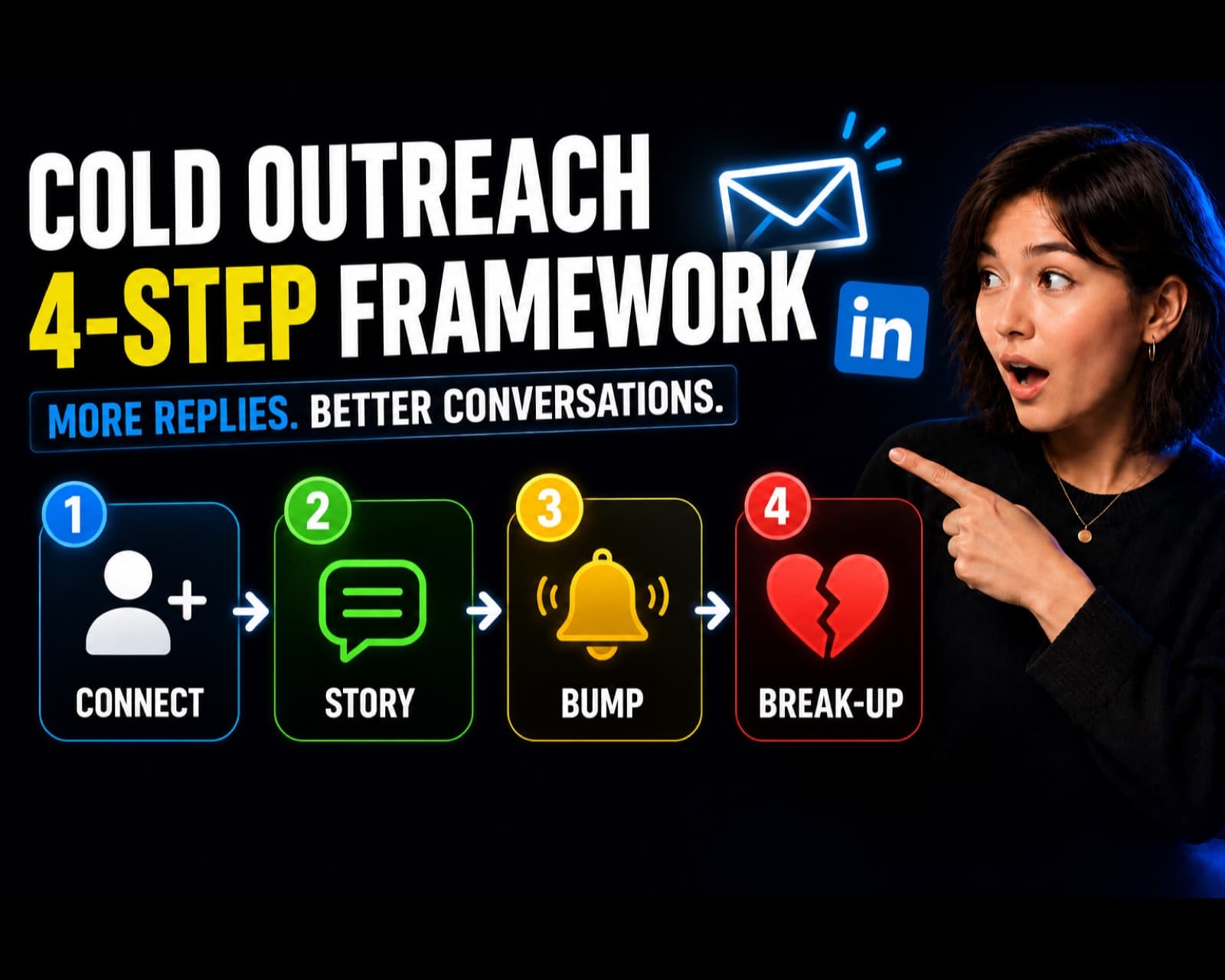
Cold Outreach Framework: Connect, Story, Bump, Break-Up

Lead GenerationGuides
The LinkedIn Outreach Strategy That Gets Replies

Lead GenerationGuides
The Perfect Cold Call Script
Lead GenerationGuides
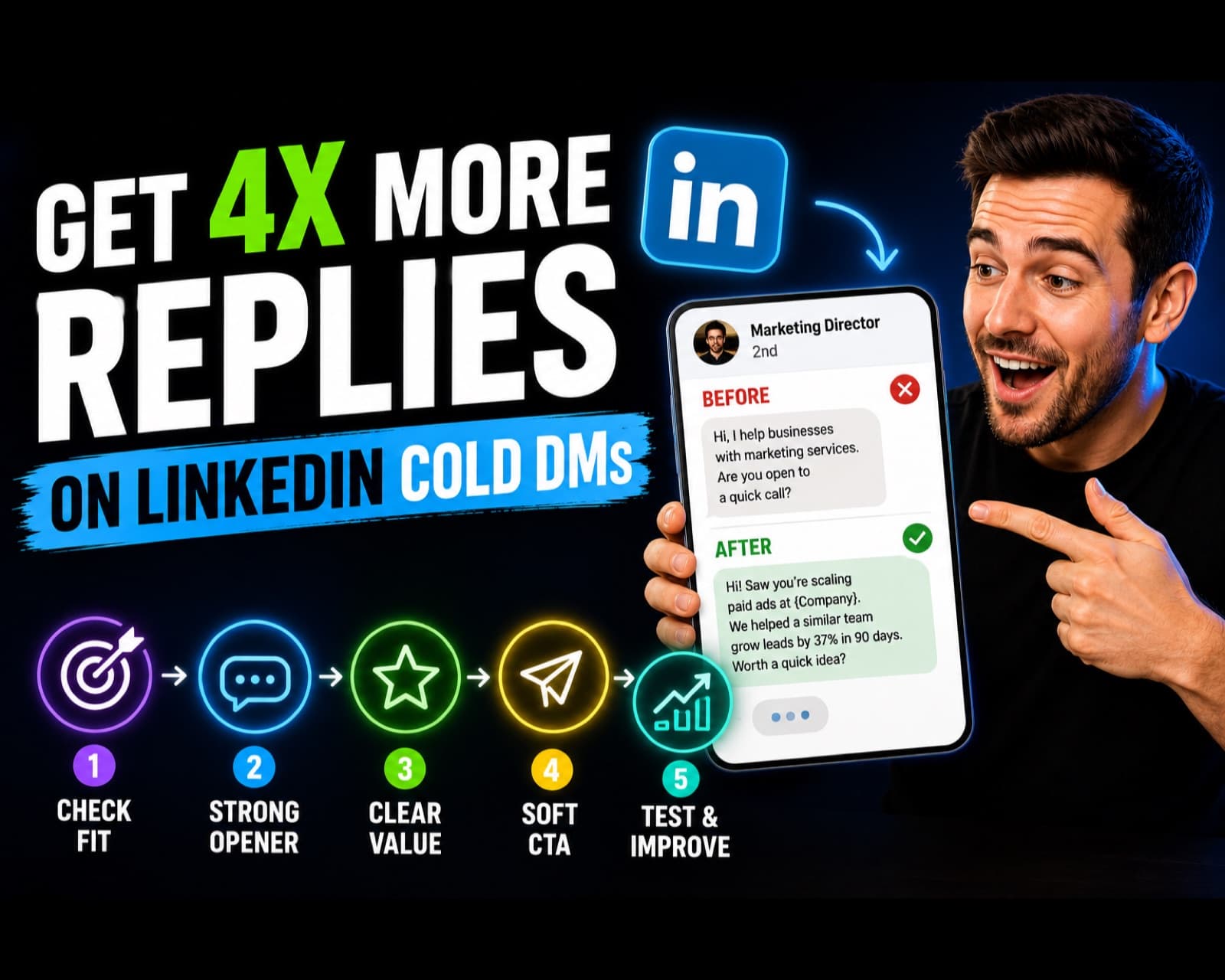
How to Get 4x More Replies on LinkedIn Cold DMs

Lead GenerationGuides
LinkedIn Outbound That Doesn't Read Like Spam

Lead GenerationGuides
The Cold Email Framework That Actually Gets Replies
SalesGuides
How to Qualify Leads Without Wasting Your Time
SalesGuides
The Boomerang Technique for Handling Sales Objections
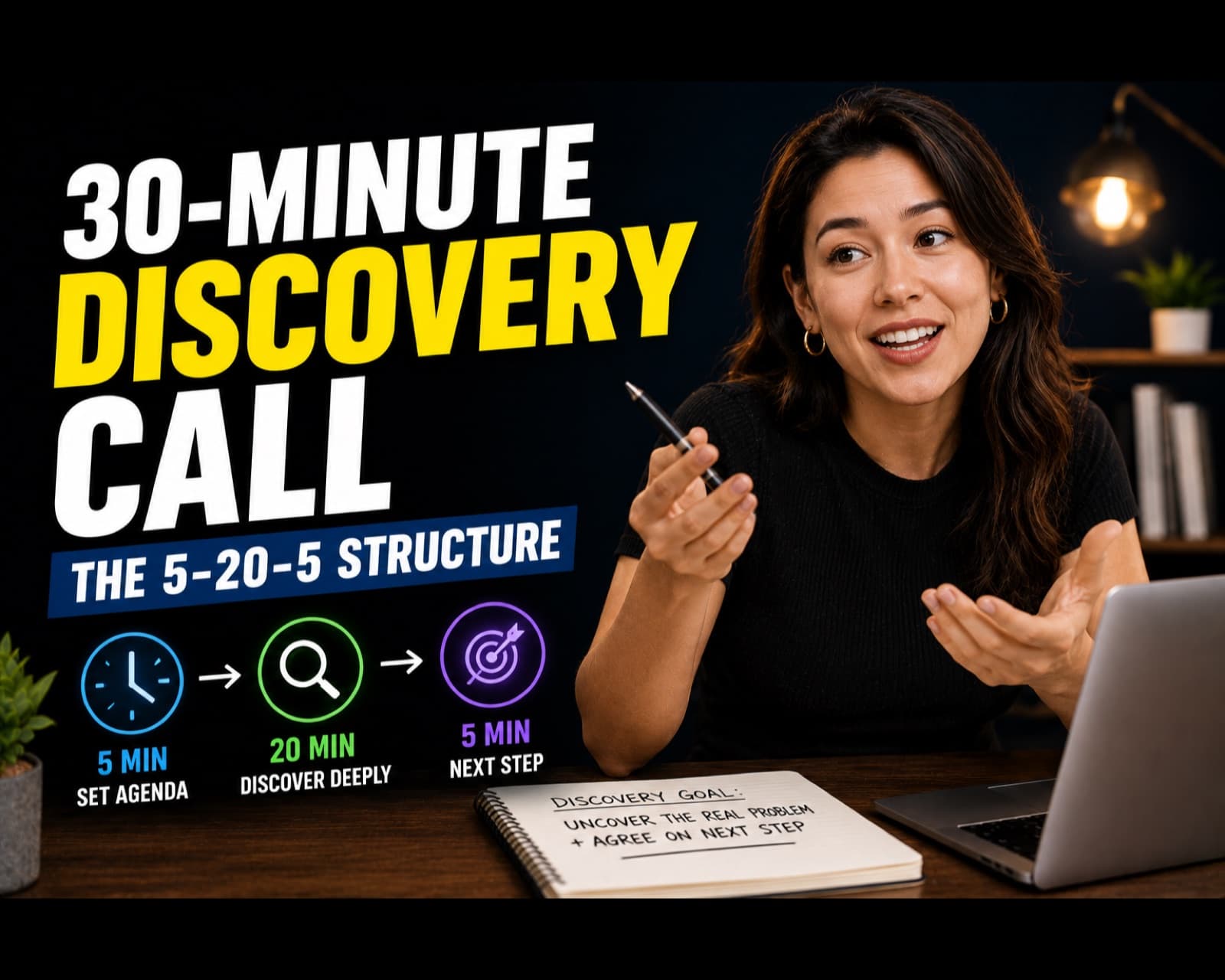
Run a 30-Minute Discovery Call With the 5-20-5 Structure
A timed discovery-call agenda: 5 minutes to frame the call, 20 minutes to diagnose the buyer situation, and 5 minutes to confirm the next action.
Sales
A Closing Script for Discovery Calls That Actually Converts
A simple closing script you can customize for any discovery call. It helps you stop ending strong conversations with weak lines like "what do you think?" and instead guide the prospect toward a clear yes, no, or next step.
Sales
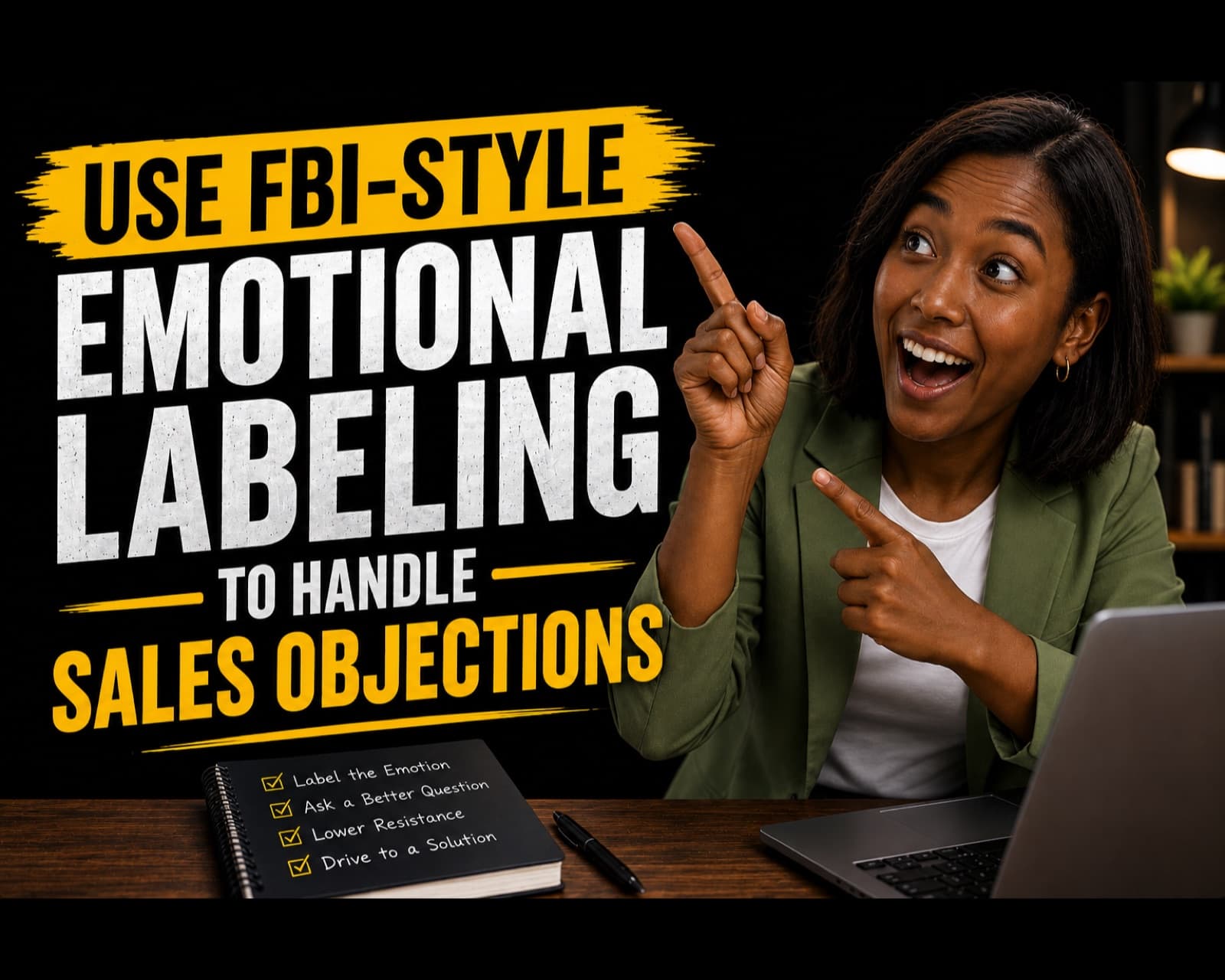
Use FBI-Style Emotional Labeling to Handle Sales Objections
A sales-friendly version of emotional labeling: name the concern, pause, ask a calibrated question, and respond with evidence only after the buyer feels understood.
Sales
Use a Simple Sales Call Structure That Keeps Buyers Moving
A practical sales-call structure you can use for service offers, coaching calls, consulting calls, and high-ticket sales conversations.
Sales
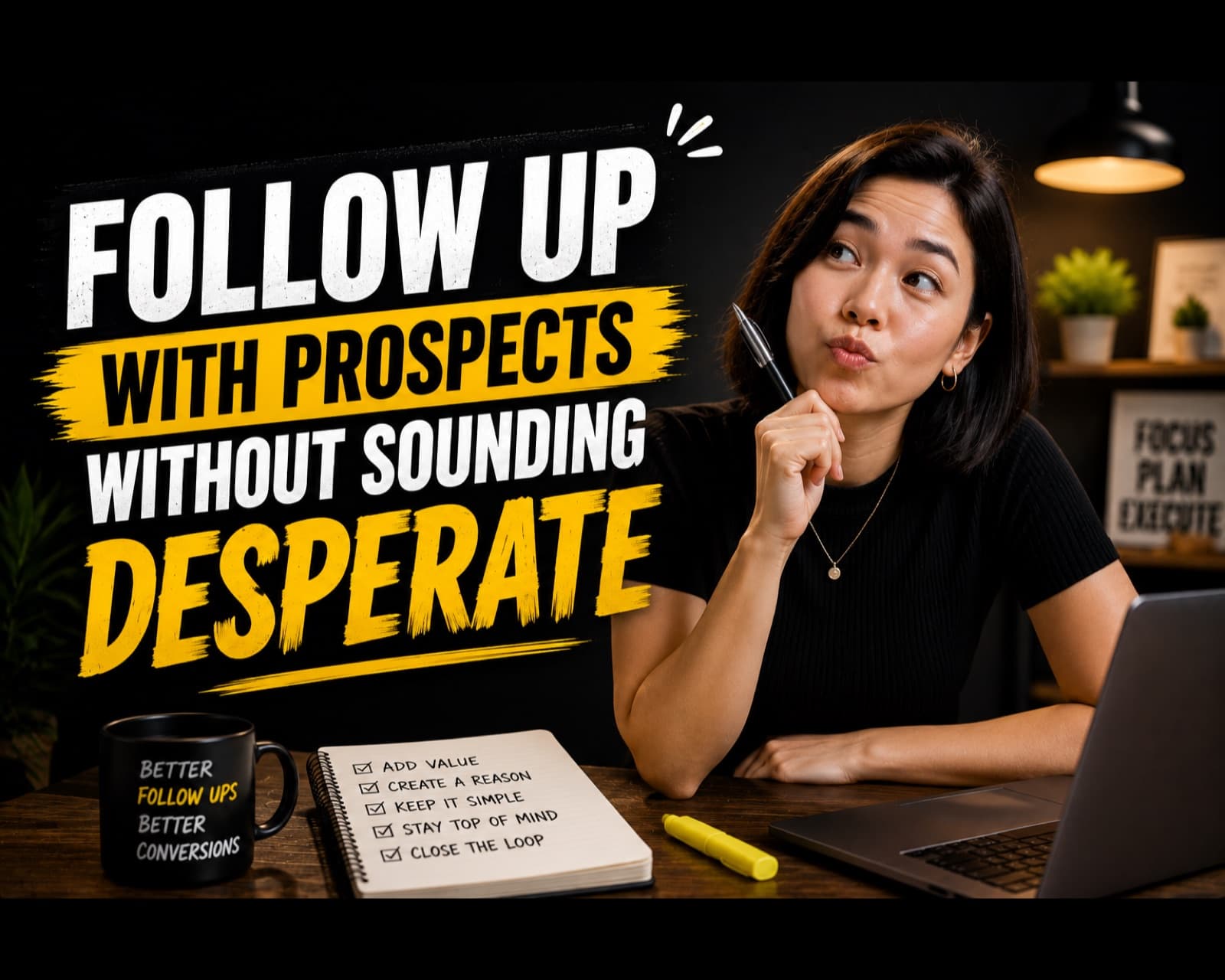
Follow Up With Prospects Without Sounding Desperate
A set of follow-up prompts and message angles you can use after calls, proposals, demos, or cold outreach.
Sales
Re-Engage a Prospect Who Stopped Responding
A ghost-prospect follow-up workflow that helps you reopen real opportunities and remove dead deals from your pipeline.
Sales
Qualify Sales Leads Fast With Four Simple Questions
A four-question qualification flow based on need, authority, timeline, and budget or priority. Use it in calls, forms, DMs, or lead intake.
Sales
Sell Without Being Salesy by Diagnosing Before You Pitch
A consultative selling guide for asking better questions, reflecting the buyer's problem, and presenting only when the offer clearly fits.
Sales
Write Sales Proposals That Start With the Problem and End With the Investment
A five-part sales proposal framework: problem, desired outcome, solution, proof, and investment with next steps.
Sales
Handle the "I Need to Think About It" Objection Without Losing the Sale
A simple response flow for the most common stall in sales. Instead of chasing the prospect after the call, you learn how to surface the real concern while the conversation is still active.
Sales
Use Claude to Write More Personalized Cold Outreach
By the end of this guide, you will have a cold outreach workflow that uses context, personalization, and a clear CTA instead of generic pitch messages, with prompts for personalization, message writing, follow-ups, and review.
Sales
Alex Hormozi's $100M Cold Outreach System
Use this guide to turn cold outreach from random sending into a repeatable system. The workflow focuses on choosing the right buyers, leading with a clear value angle, and using follow-ups that create conversations instead of pressure. By the end of this guide, you will have a practical cold outreach system built around a clear market, a sharp offer, personalized messages, and a follow-up loop that turns replies into booked calls.
Lead Generation
Cold Outreach Framework: Connect, Story, Bump, Break-Up
This framework keeps outbound simple. Instead of writing random follow-ups, you use four purposeful touches: connect, story, bump, and break-up. By the end of this guide, you will have a four-part cold outreach sequence that opens a conversation, explains relevance, follows up without pressure, and closes the loop cleanly.
Lead Generation
The LinkedIn Outreach Strategy That Gets Replies
LinkedIn outreach works best when the profile, list, and message all support the same promise. This guide turns that into a repeatable process. By the end of this guide, you will have a LinkedIn outreach workflow built around profile trust, targeted prospecting, personalized openers, and follow-ups that create real conversations.
Lead Generation
The Perfect Cold Call Script
A good cold call is not a monologue. This guide gives you a short structure that earns a few seconds, finds a real problem, and asks for the next step clearly. By the end of this guide, you will have a practical cold-call script with an opener, permission line, discovery questions, value statement, objection handling, and close.
Lead Generation
How to Get 4x More Replies on LinkedIn Cold DMs
Use this guide to improve LinkedIn cold DMs by tightening the audience, making the opener more specific, and replacing hard asks with simple reply prompts. By the end of this guide, you will have a LinkedIn DM rewrite process that improves relevance, reduces friction, and gives prospects an easier reason to reply.
Lead Generation
LinkedIn Outbound That Doesn't Read Like Spam
Most LinkedIn outbound fails for one reason: it opens with the pitch. "I help companies like yours do X" is the first sentence a prospect reads, and it's an immediate signal that this is a template blasted to 500 people, not a message meant for them specifically. The fix isn't a cleverer script, it's sequencing. Reference something specific and real first - a recent post they wrote, a role change, a company announcement - before you ever bring up what you do. That single change shifts the message from "cold pitch" to "someone who actually looked at my profile," which is the entire battle. Done right, this approach trades volume for reply rate. You'll send fewer messages per day because each one takes 60-90 seconds of research, but reply rates commonly move from 1-2% on generic templates to 15-20% on messages that reference something real.
Lead Generation
The Cold Email Framework That Actually Gets Replies
By the end of this guide, you'll have a cold email structure that reads like it was written by a person, not a template — and gets replies instead of silence. Who This Is For: You're sending cold outreach and getting a reply rate close to zero. Your emails are either too long, too generic, or too obviously copy-pasted, and you want a format that actually gets read.
Lead Generation
How to Qualify Leads Without Wasting Your Time
By the end of this guide, you'll have a simple qualification filter that separates real buyers from tire-kickers before you ever get on a call. Who This Is For: Your calendar is full of "discovery calls" that go nowhere — people who were never going to buy, couldn't afford it, or weren't the actual decision maker. You want to spend your selling time on prospects who can actually say yes.
Sales
The Boomerang Technique for Handling Sales Objections
By the end of this guide, you'll know how to take a prospect's objection and hand it back to them as a reason to buy — without arguing, getting defensive, or discounting. Who This Is For: You hear the same 2-3 objections on every call and either freeze, over-explain, or immediately drop your price. You want a calm, repeatable way to handle pushback that doesn't feel like a fight.
Sales
Showing 20 of 315
Going to need this again?
A free account keeps your guides in one place, so the good one isn't three searches away next time.
Create free account