Ideogram for AI Images with Accurate Text
Generate posters, quote cards, and ad creative with legible text built directly in
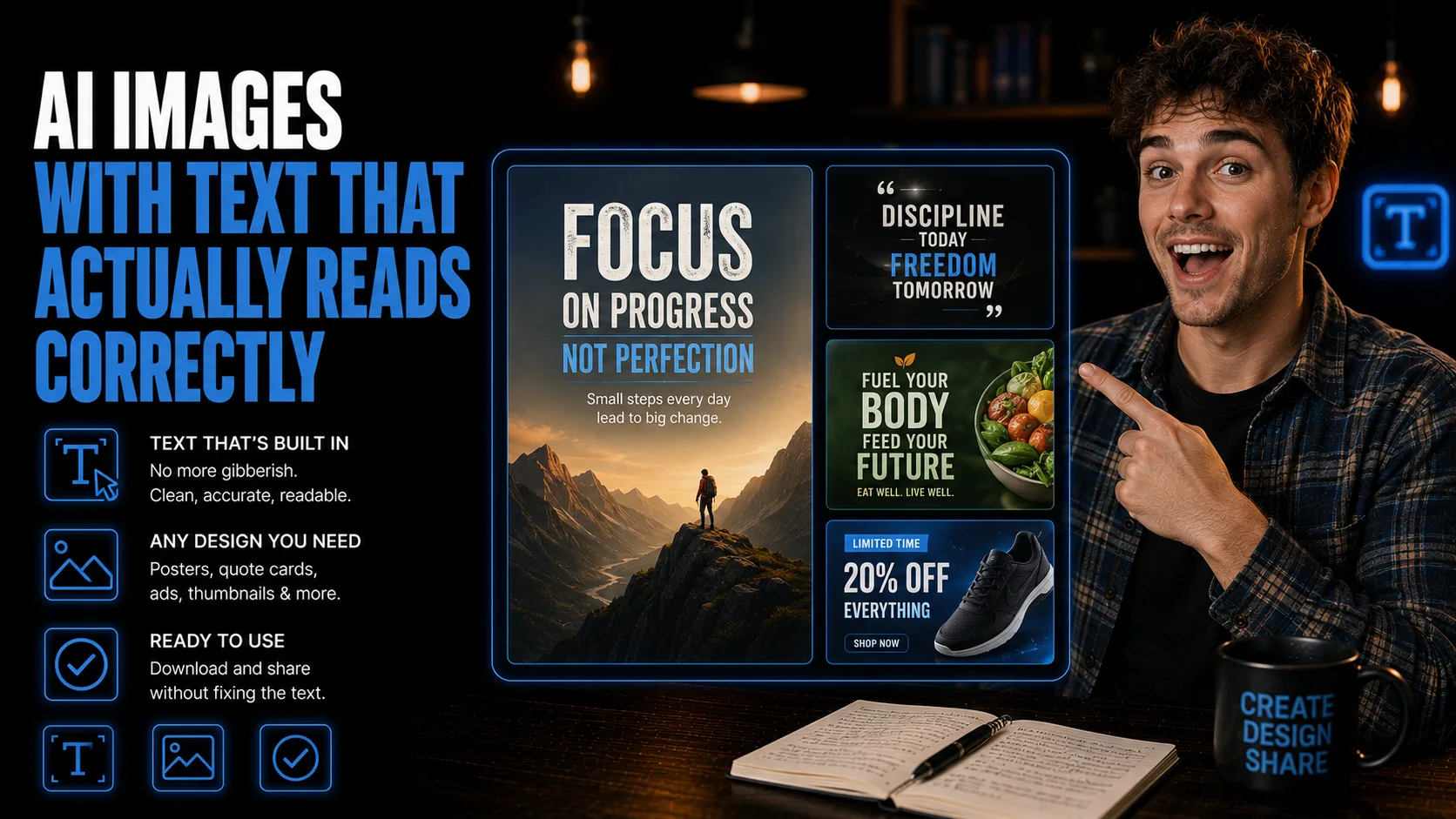
Generate graphics with readable text built directly into the image.
By the end of this guide, you will know when to use Ideogram for marketing visuals that need accurate in-image text, including posters, quote cards, ad creative, and signage-style graphics.
Who This Is For
You create social graphics, posters, ads, or quote cards where the words must be readable.
You have tried other AI image tools and ended up with garbled text inside the design.
You want to generate branded visuals directly from a prompt without adding every word manually afterward.
You need fast concept options for logos, signage-style images, product mockups, or campaign graphics.
You want an image tool focused on accurate text rendering, not just general image generation.
What You'll Build
- AI images with accurate, readable text built directly into the generated design.
- Marketing graphics for posters, quote cards, ads, signage, thumbnails, and logo mockups.
- A repeatable prompting workflow that specifies exact wording, placement, visual style, and export checks.
- A proofreading checklist so strong visuals do not ship with broken or misspelled text.
What You'll Need
- An Ideogram account.
- A clear asset type, such as a poster, ad graphic, quote card, sign, or logo mockup.
- The exact text you want to appear inside the image.
- Basic brand cues, including style, colors, audience, and channel.
Going Further
- Turn the image into a campaign asset - Guide: Build a Complete AI Marketing Campaign in One Browser Session (Content Creation).
- Batch visual concepts for social content - Guide: Generate 20 Social Posts and Batch-Design Them in Canva With Bulk Create (Content Creation).
- Use AI visuals inside a full content workflow - Guide: Turn One Transcript Into a Full Cross-Platform Content Campaign With Claude (Content Creation).