Organize Your Downloads Folder Automatically With Claude CoWork — Your First Computer-Control Agent
A frictionless first agent for anyone with a messy downloads folder
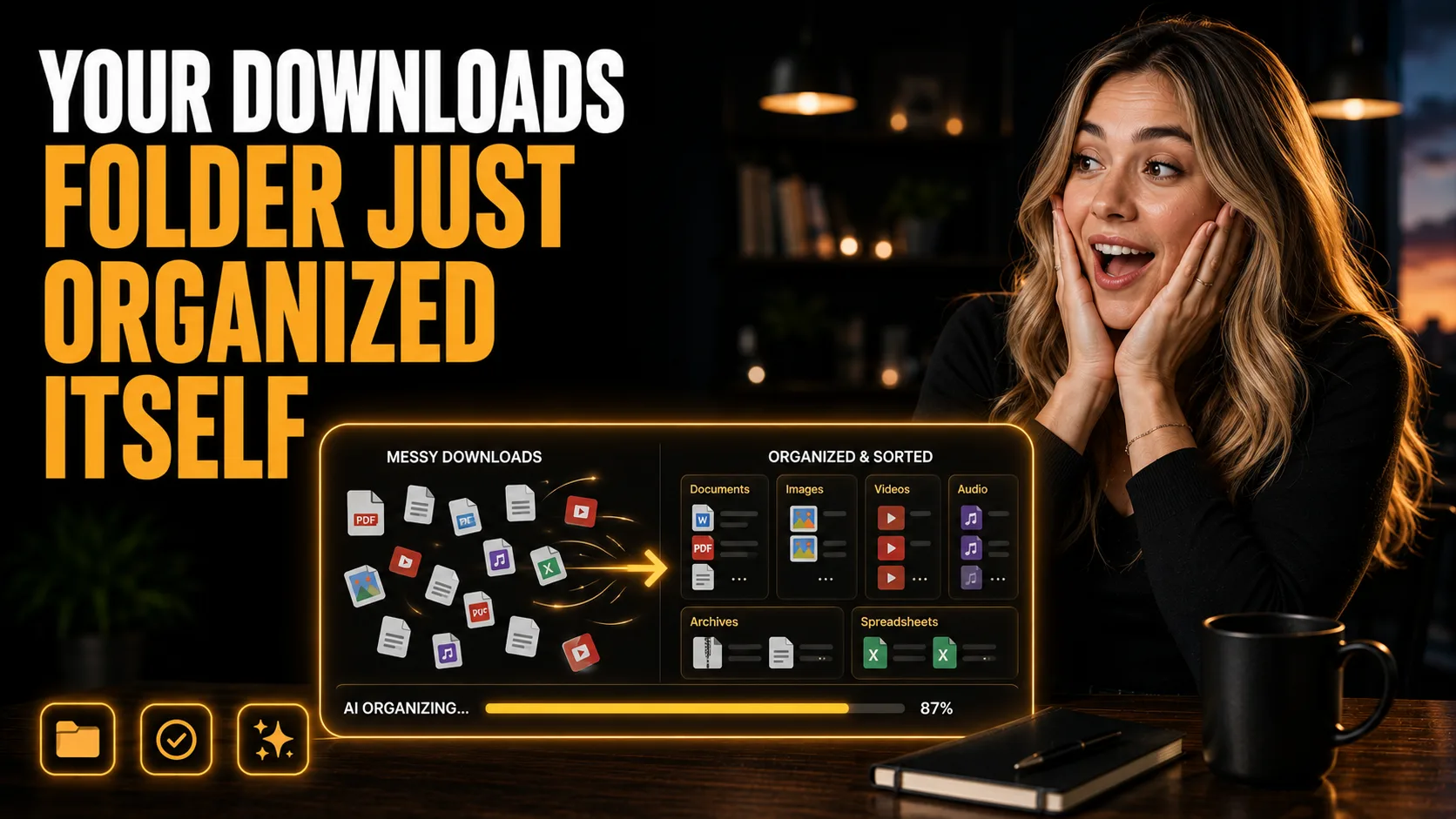
Organize Downloads With Claude CoWork
By the end of this guide, you'll have Claude CoWork sorting your entire downloads folder by file type from one plain English instruction, with a live progress bar showing every step, no manual sorting and no code.
Who This Is For
Your downloads folder is a chaos of PDFs, images, installers, and spreadsheets
You want to try an AI agent that actually does something on your computer, not just chats
You've heard about "computer control" and want a simple, safe way to see it work
You want files sorted automatically without writing a script or dragging anything
You're new to AI agents and want an easy first win
This is one of the best first agents to try. It's simple, it's visual, and it shows you what computer control actually looks like.
What You'll Build
A CoWork agent that:
Reads the files in your chosen folder
Sorts them into folders by type (or by your own rules)
Creates the target folders automatically
Shows a live progress bar for every step, so you see exactly what it's doing
What You'll Need
Claude with CoWork (computer control) access
A folder to clean up (your Downloads folder is the classic starting point)
No code, no scripts, no setup beyond enabling CoWork
Going Further
The advanced version: organize your whole machine plus business automation — Guide: Use Claude Code to Organize Your Whole Machine and Automate Your Business Backend (AI Agent)
Add a scheduled morning briefing as your next agent — Guide: Automate Your Morning Briefing and Inbox Management With Claude as Your Executive Assistant (AI Agent)
Delegate full operations to CoWork — Guide: Run Your E-Commerce Business Remotely by Delegating Operations to Claude CoWork (AI Agent)