Run an Autonomous AI Coding Agent in Your Terminal That Works With Claude, GPT, Gemini, or DeepSeek — No Lock-In
An open-source terminal agent with zero model lock-in
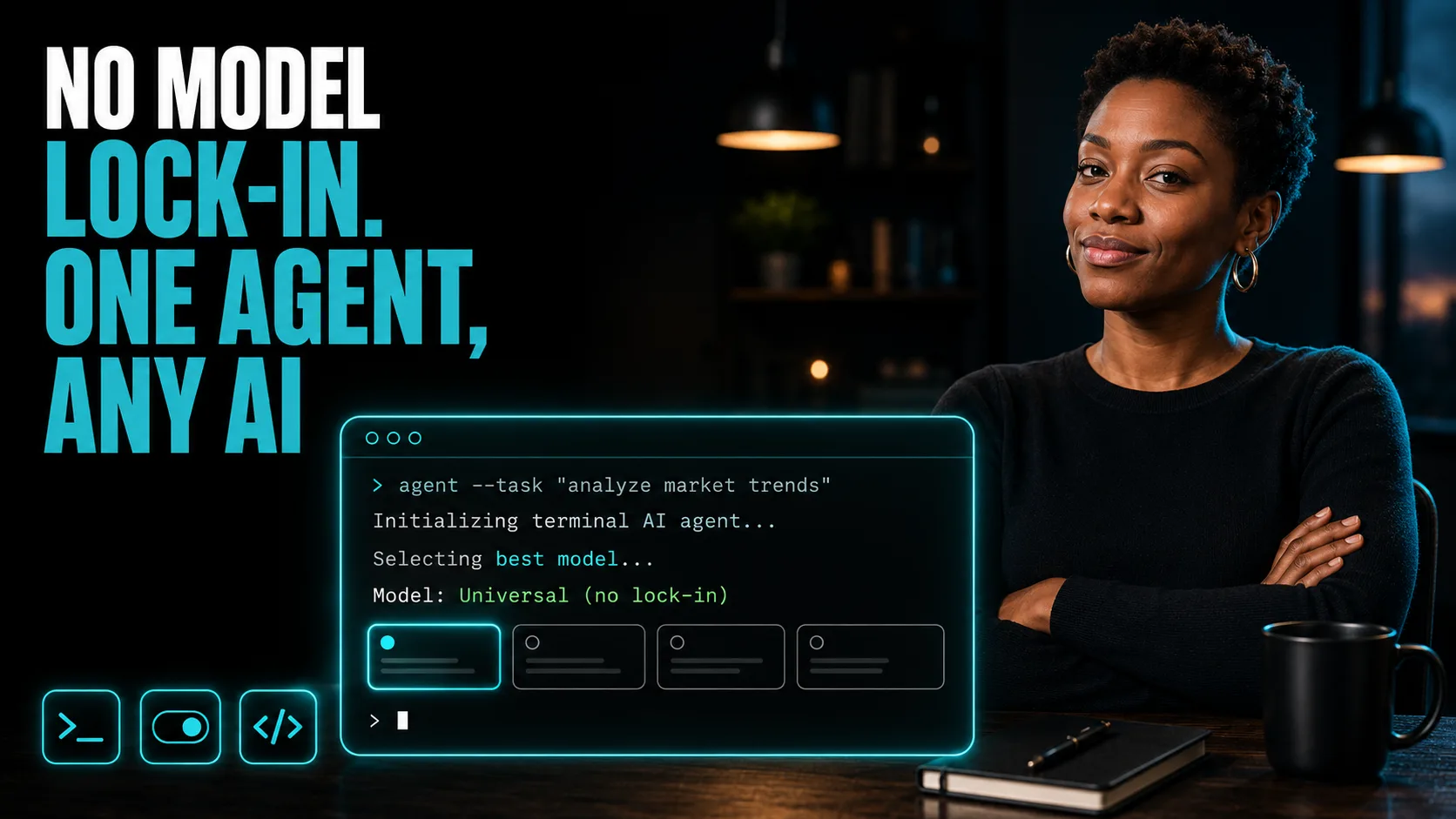
By the end of this guide, you'll have Goose running autonomously in your terminal — reading your codebase, writing and refactoring code, running tests, and switching between Claude, GPT, Gemini, or DeepSeek in a single command.
Who This Is For
You're running AI-assisted development and don't want your entire workflow tied to one model provider
You want an agent that reads your actual files and executes real development tasks — not just generates code to copy-paste manually
You're evaluating multiple AI models and want to switch between them without rebuilding your setup each time
You want coding automation that runs locally — no cloud dependency, no data leaving your machine beyond the API call
You're already using Claude Code or similar tools and want an open-source alternative with full model flexibility
What You'll Build
A locally installed Goose agent running in your terminal with:
One-command installation via npm
Model switching between Claude, GPT, Gemini, and DeepSeek via a single environment variable
Plain English task execution: directory scanning, code refactoring, test running, deployment preparation
Zero dependency on any single AI provider — swap models without changing your workflow
Deployment pipeline: Terminal installation → API credential mapping → Plain English task input → Autonomous execution (file updates, code generation, test validation)
What You'll Need
A computer with terminal access (Mac, Linux, or Windows with WSL)
npm installed (comes with Node.js — download at nodejs.org if not already installed)
An active API key for at least one foundation model:
Claude: Anthropic API key
GPT: OpenAI API key
Gemini: Google AI API key
DeepSeek: DeepSeek API key
An existing code repository or project directory to run the agent inside
Going Further
Add persistent memory across Goose sessions — Guide: Build a Free Persistent AI Memory System Using Claude Code and Obsidian (AI Agent)
Evaluate which model to use for which task type — Guide: How to Evaluate a New AI Model Before You Change Your Workflow (AI Agent)
Generate complete automation workflows from plain English — Guide: Generate and Sell Complete N8N Automation Workflows From a Single Prompt (No-Code Builds)