Viggle for Character Animation
Turn one character image into a short motion clip with a reference video, clean inputs, and a simple export workflow
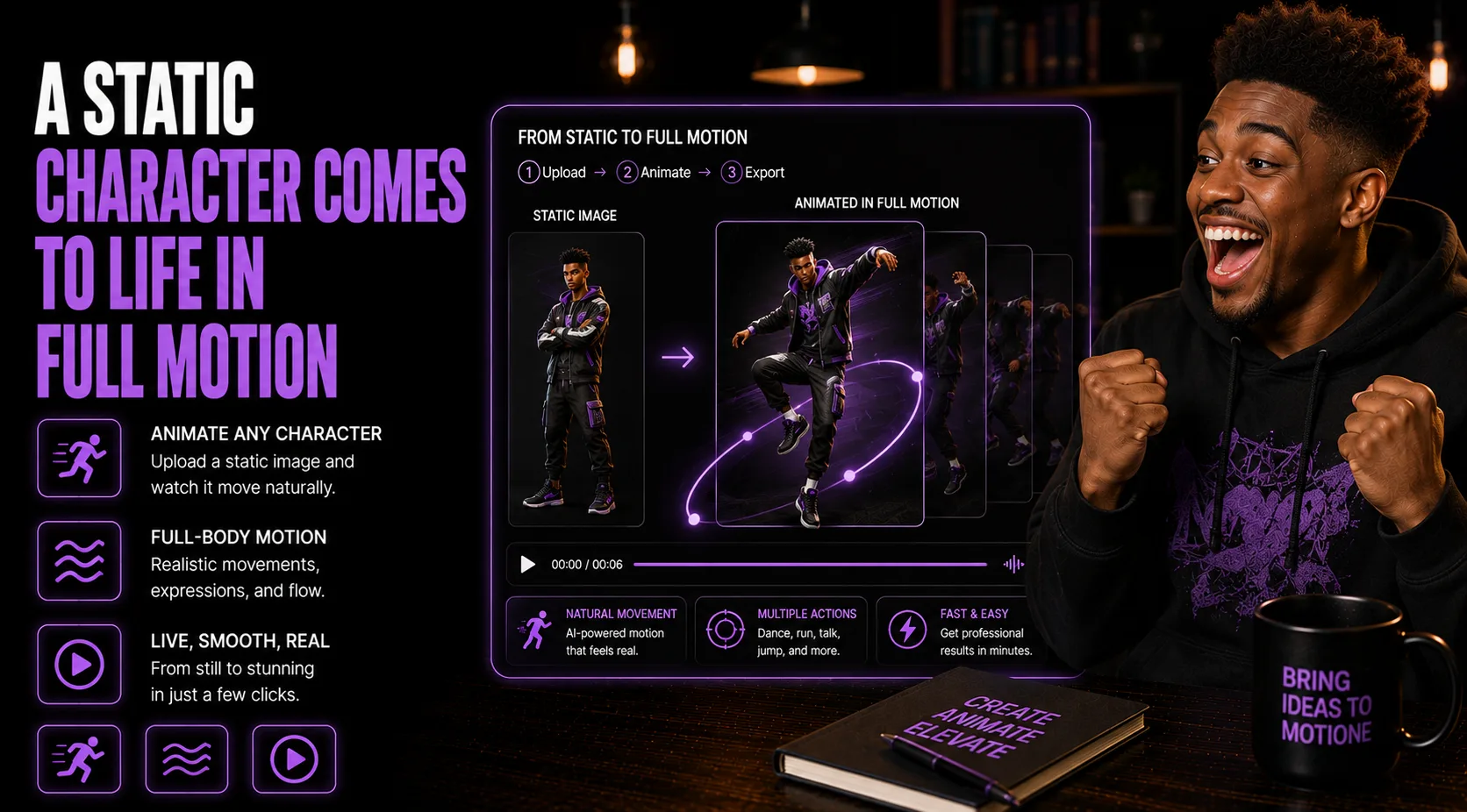
Animate a Character Image With Viggle
Use a clean character, motion reference, and review pass to make a usable clip
Viggle works best when you treat it like a short production workflow instead of a magic upload button. Start with one clear character image, pair it with a motion reference that matches the pose and energy, then judge the output like an editor. Check whether the face stays recognizable, whether hands and edges hold together, and whether the movement fits the platform where the clip will be used.
Use this guide when you want a quick character animation for Reels, Shorts, Stories, ads, launch posts, mascot content, product explainers, or a brand character sequence.
Who This Is For
- You have a character, mascot, product avatar, or creator image you want to turn into motion
- You want short clips for Reels, Shorts, Stories, ads, launch posts, or explainer moments
- You need a repeatable way to choose images, motion references, and review outputs
- You want prompts that help plan, troubleshoot, and repurpose Viggle animations
What You'll Need
- One clean character image with the full body or key pose visible
- A motion reference clip or preset that matches the pose and energy you want
- A clear use case, platform, tone, and clip length
- An editor for final captions, crop, audio, logo placement, or CTA
Going Further
- Build a small library of reusable motion references for your brand character
- Save your best outputs by platform so future clips match the same style
- Repurpose the same animation into hooks, ads, Stories, launches, and product explainers
- Keep notes on which image angles and motion types produce the cleanest results