Magnific for AI Image Upscaling
Turn a low-res or draft image into a sharp, print-ready asset
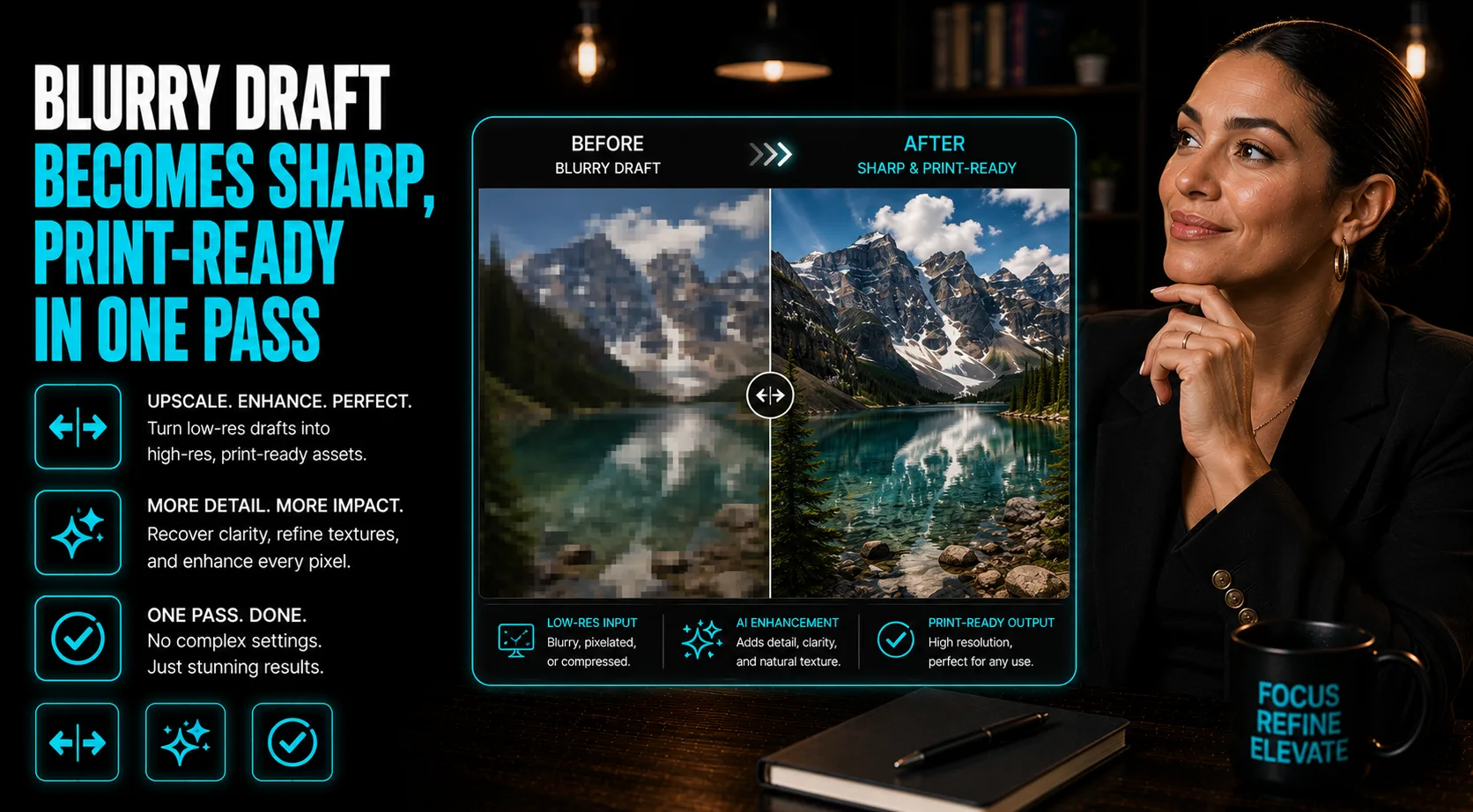
Upscale Draft Images to Print-Ready With Magnific
Recover detail, clarity, and resolution from a low-res or rough draft
Magnific is an AI upscaler built for turning rough, low-resolution, or AI-generated drafts into sharp, high-detail images. Instead of just stretching pixels, it adds realistic texture and detail while preserving the subject, so a blurry product shot or draft AI image can become a clean, print-ready asset. Use it whenever an image needs to look bigger and sharper without losing what made the original work.
Who This Is For
Creators and marketers improving visual assets without a reshoot
- Content creators who need sharper visuals for thumbnails, posts, ads, and video covers
- Small business owners upgrading product photos, hero images, or campaign graphics
- Designers polishing rough AI images before presenting or publishing them
- Marketers who want print-ready or large-format image quality from a low-res draft
What You'll Build
A cleaner high-resolution asset from an existing image
- An upscaled image with stronger detail, texture, and clarity
- A finished visual for ads, thumbnails, product pages, hero sections, decks, or print
- A repeatable enhancement prompt/settings note for similar brand assets
- A final export checked for artifacts before it goes live
What You'll Need
The source image and a clear quality target
- A Magnific account and access to its image upscaling workflow
- The best original image file you have, even if it is still low resolution
- A target use case such as print, ad creative, social, ecommerce, or landing page
- A short list of details to preserve, including faces, product shape, logos, colors, and text