Build a Full Multi-Page Website With ChatGPT
A beginner-friendly path from conversion goal to a launched, multi-page site
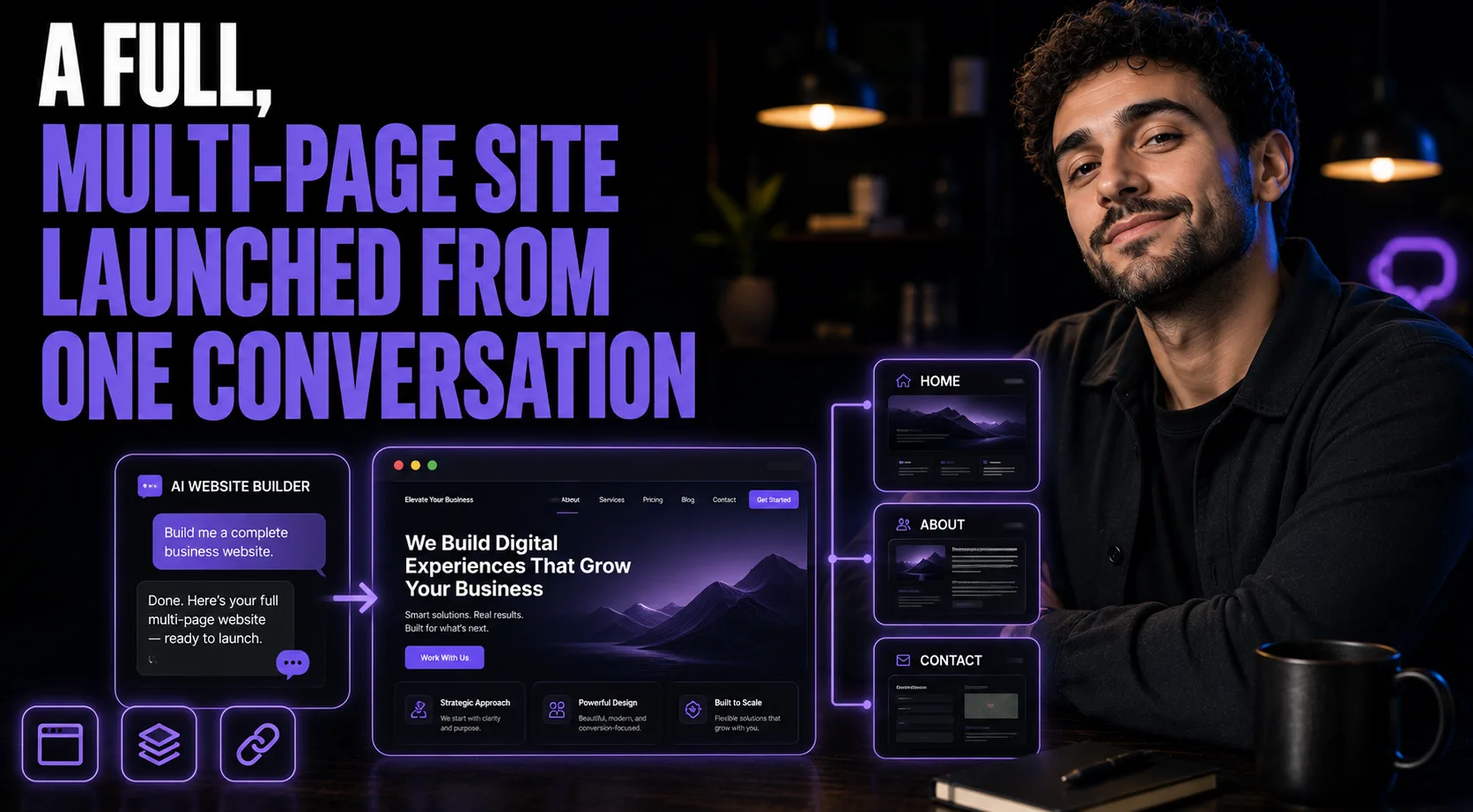
Lock the Site Map Before You Touch a Single Page
A first business website usually goes wrong in the same order: someone writes a homepage they're proud of, then bolts on an About page, a Services page, and a Contact form as afterthoughts. Each page reads fine alone, but the site as a whole feels stitched together because no one ever decided what the full journey should be. This workflow fixes the order. Before any copy exists, ChatGPT maps the entire site, every page and section, so the homepage's promise and the Services page's proof and the Contact page's CTA are all answering to the same plan. Only after that map is locked does the actual writing start, page by page, with design direction included.
Who This Is For
• Anyone who wants to put this guide to work in their own business
What You'll Have
• The result described in the overview above, built by following the steps
What You'll Need
• Access to the tools named in this guide
• Your own inputs — brand details, topic, or data you want to work with
• 15–30 minutes for the first run
Going Further
— Guide: Stack 5 Real Claude Techniques for Expert-Grade Output (AI Tools)
— Guide: 5 Mindblowing Marketing ChatGPT Prompts (AI Tools)
— Guide: The 5 Claude Features That Run Your Business on Autopilot (AI Tools)