Build a business website with $0 budget using AI (Claude.ai)
Use Claude.ai to plan, write, and build a professional business website without paid tools
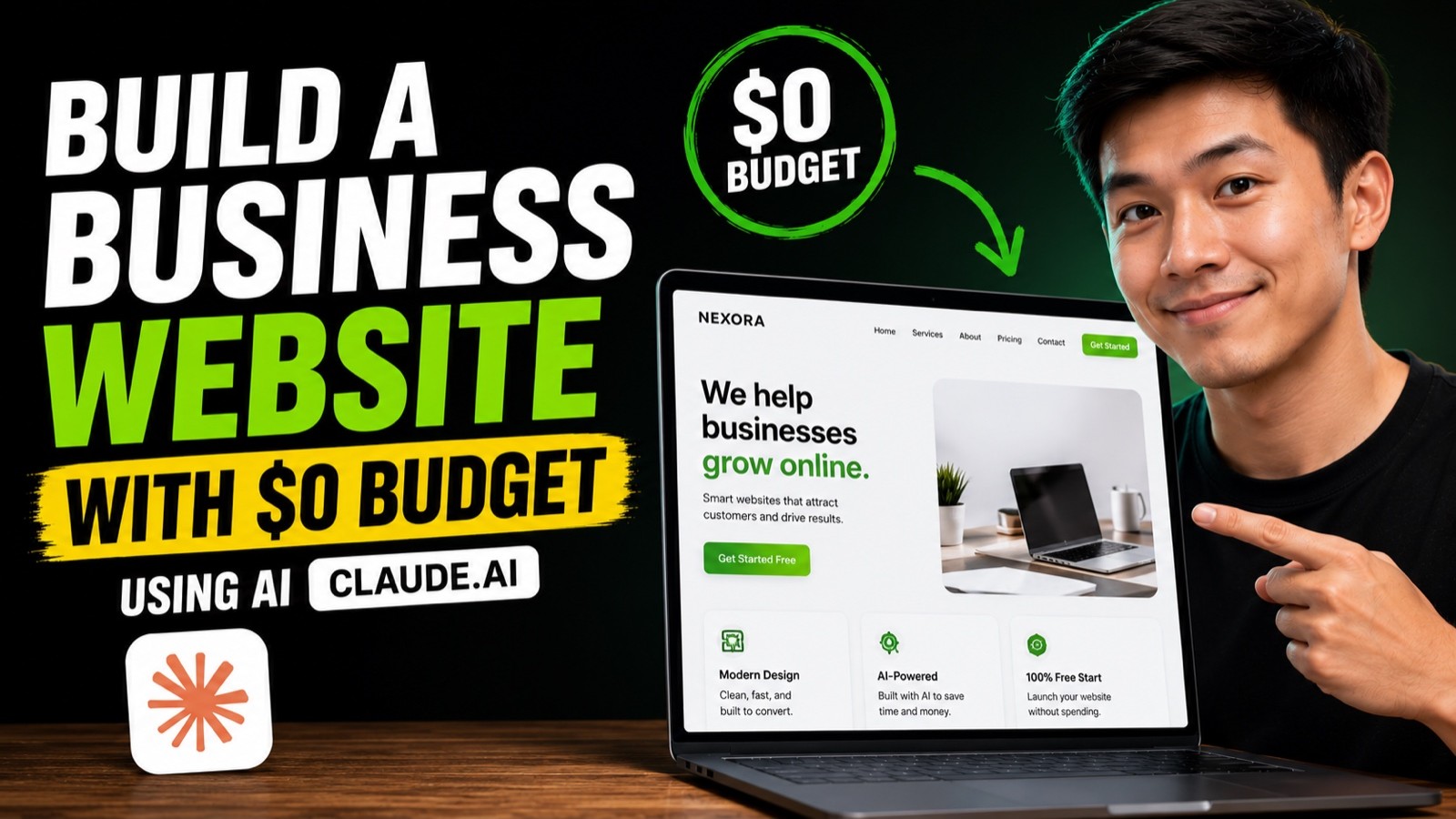
A small business website needs clear words, a clean layout, and a place to live online. Claude.ai can help with the first two on its free plan, within its usage limits, and several hosting services will publish a simple site at no cost. What you supply is the real information about your business.
By the end of this guide, you will have a one-page business website with your own copy, saved as a file you own and published at a free web address.
Who This Is For
You run a small business or side project with no website budget
You have been putting off a website because of agency or builder costs
You can copy, paste, and follow instructions, even if you have never coded
You want a simple site now and are happy to improve it later
What You'll Build
A one-page site plan with the sections your business needs
Website copy written from your real business details
A single HTML file of your site that you own
A live site on a free hosting service
What You'll Need
A free Claude.ai account
Your business details: services, prices if you show them, contact information, and opening hours
Any real testimonials, photos, and your logo
A free account on a hosting service such as Netlify, Cloudflare Pages, or GitHub Pages
Going Further
Buy a custom domain later and connect it to the same free host
Ask Claude to add a second page, such as a services or FAQ page
Check each tool's current free plan limits before you rely on it for a client project