Use the Teach Skill to Learn Any Topic With Lessons That Remember Where You Stopped
Turn a folder into a study workspace where Claude writes your lessons and tracks what you have learned.
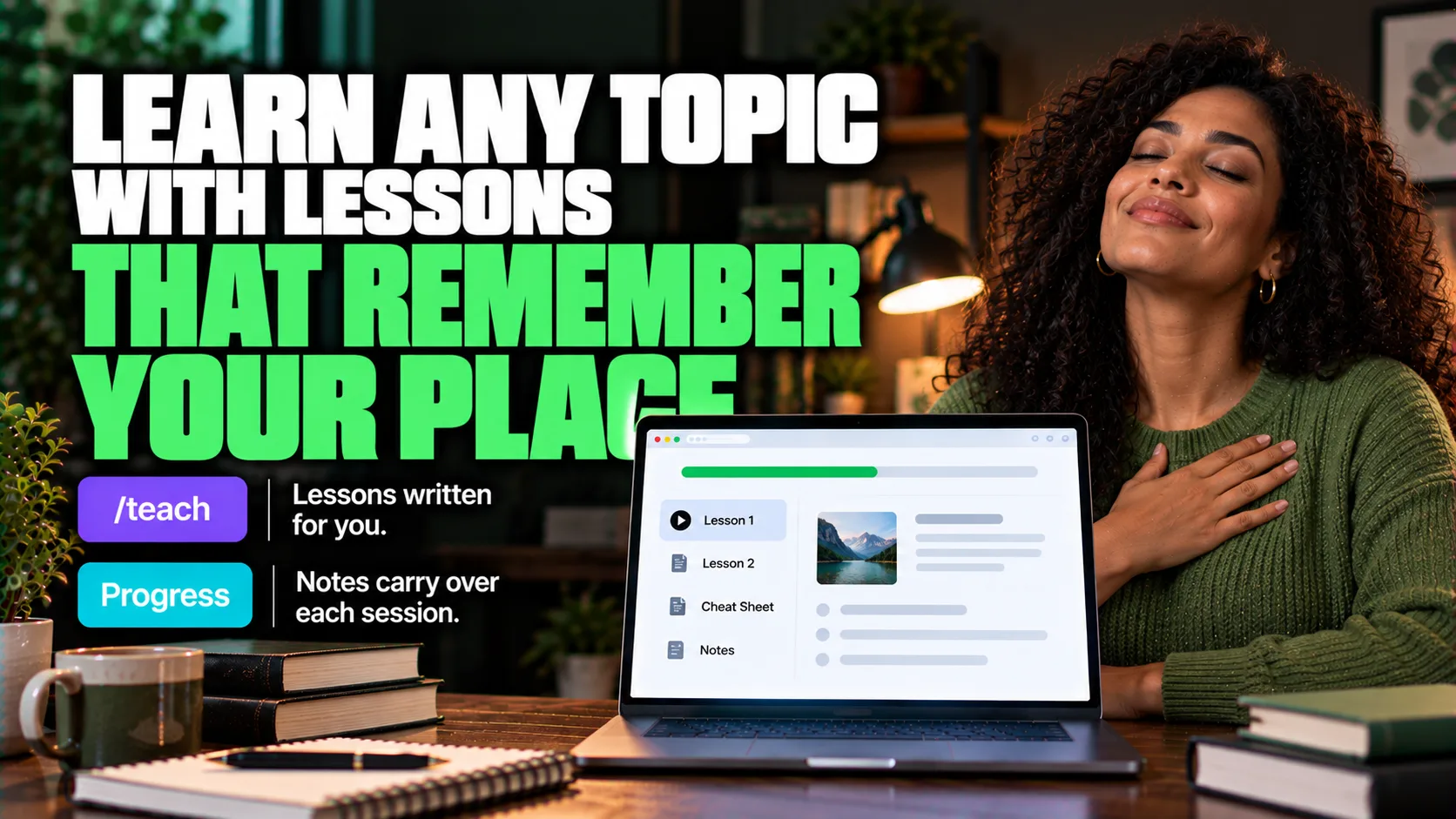
Overview
By the end of this guide, you'll have:
The teach skill installed in Claude Code.
A folder set up for one topic, with a goal written down.
A first lesson and a cheat sheet.
Who This Is For
You want to learn something new, and videos or articles do not stick.
You study in short sessions and lose your place.
You want practice with feedback, not just reading.
What You'll Need
Claude Code.
One topic you want to learn.
An empty folder for it.
The Core Idea
The skill treats the current folder as a teaching workspace. It first asks why you want to learn the topic. It keeps your reason in MISSION.md, vetted sources in RESOURCES.md, your preferences in NOTES.md, printable cheat sheets in a reference folder, lessons as short HTML files, and numbered learning records that act as its memory between sessions.
Quick Terms
Skill: a saved set of instructions Claude can follow when it is needed.
Workspace: the folder where your lessons, notes and records are kept.
Learning record: a short note the skill saves about what you learned, so it can pick up where you stopped.
Going Further
Keep your notes and sources organized outside the chat - Guide: Give Claude Infinite Memory With NotebookLM (AI Foundations)
Review the cheat sheet once a week, because retrieval practice helps retention.
Add your own notes to NOTES.md about how you like to learn.
Join one real community around the topic, if the skill suggests one.