Scan the App or Site Claude Built for You Before You Publish It
Run Anthropic's Claude Security plugin on your project, read the findings, and fix the ones that matter before real people use it.
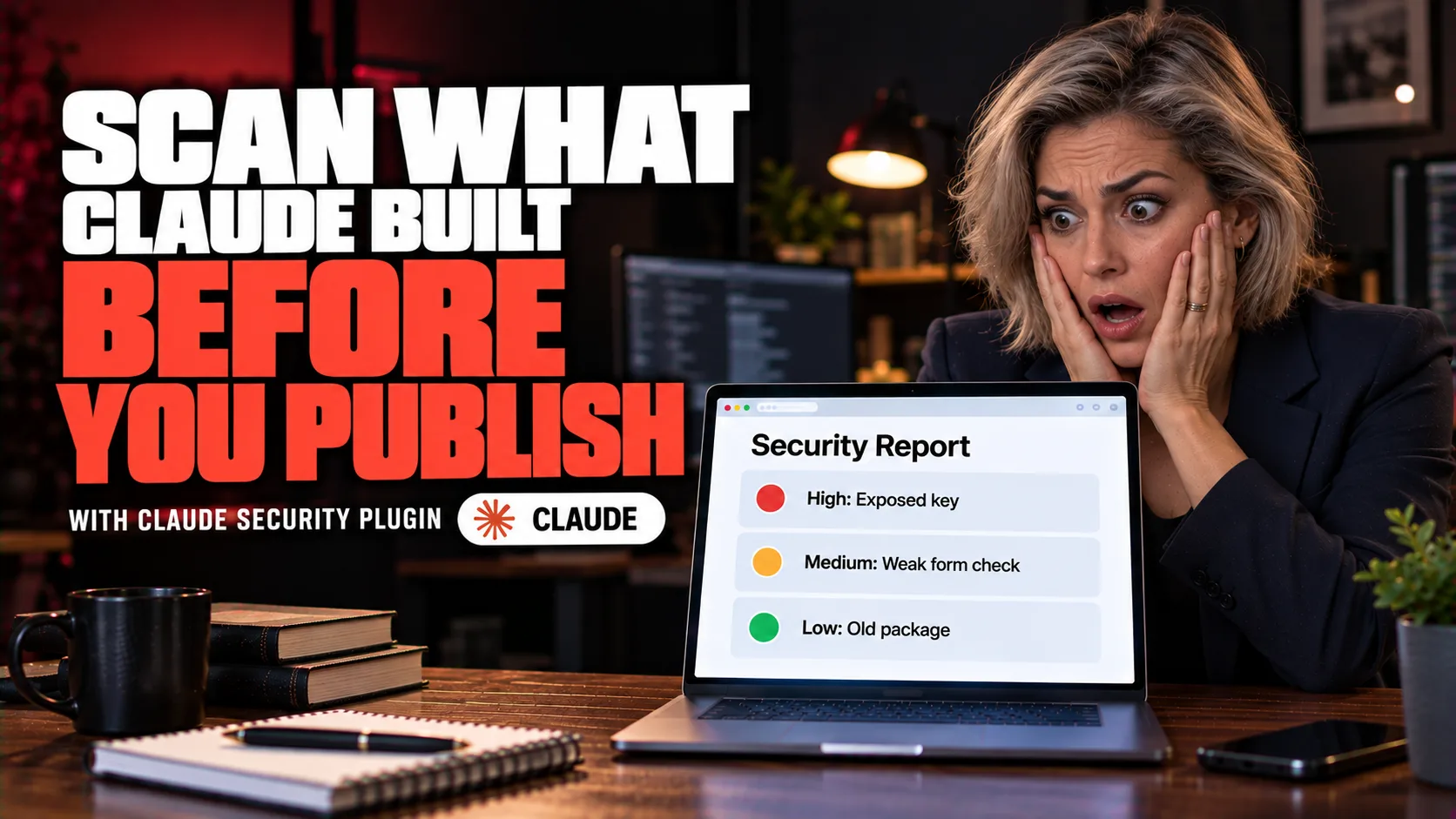
Overview
By the end of this guide, you'll have:
The Claude Security plugin installed in Claude Code.
A scan of your project, or only your latest changes.
A plain-language report of what it found.
Reviewed patches you decide whether to apply.
Who This Is For
Claude Code wrote part or all of your site, funnel, tool or app, and you are about to share it.
Your project takes logins, payments, form data or customer details.
You want a check from something other than the tool that wrote the code.
What You'll Need
Claude Code on a paid plan, Anthropic API access or a supported third-party provider.
Python 3.9 or later, available as python3.
Git, for change scans and for patches.
On the Pro plan, dynamic workflows turned on in /config.
Time. A scan can run for a while and uses your usage.
The Core Idea
The plugin runs on your computer, inside your Claude Code session. A team of agents maps your code, builds a threat model, hunts for vulnerabilities and independently reviews each finding before it writes the report. Fixes are drafted in a scratch copy. Nothing is applied until you say so.
Quick Terms
Repository: a project folder tracked with Git.
Commit: a saved snapshot of your changes.
Diff: the list of what changed between two versions of your code.
Patch: a file that describes a code change you can apply.
SARIF: a standard file format for security findings that other tools can read.
Threat model: a map of what could go wrong and where.
Going Further
Start with a simple setup list - Guide: 5 Claude Code Skills to Install on Every Fresh Setup (AI Foundations)
Run scans regularly. Two scans of the same code can find different things.
Keep using your existing scanners too. This plugin does not replace them.
To keep a report as an audit trail, delete the report folder's .gitignore file and commit the folder.