Generate a Professional LinkedIn Profile Photo With One ChatGPT Prompt
Create a clean LinkedIn headshot from your own photo.
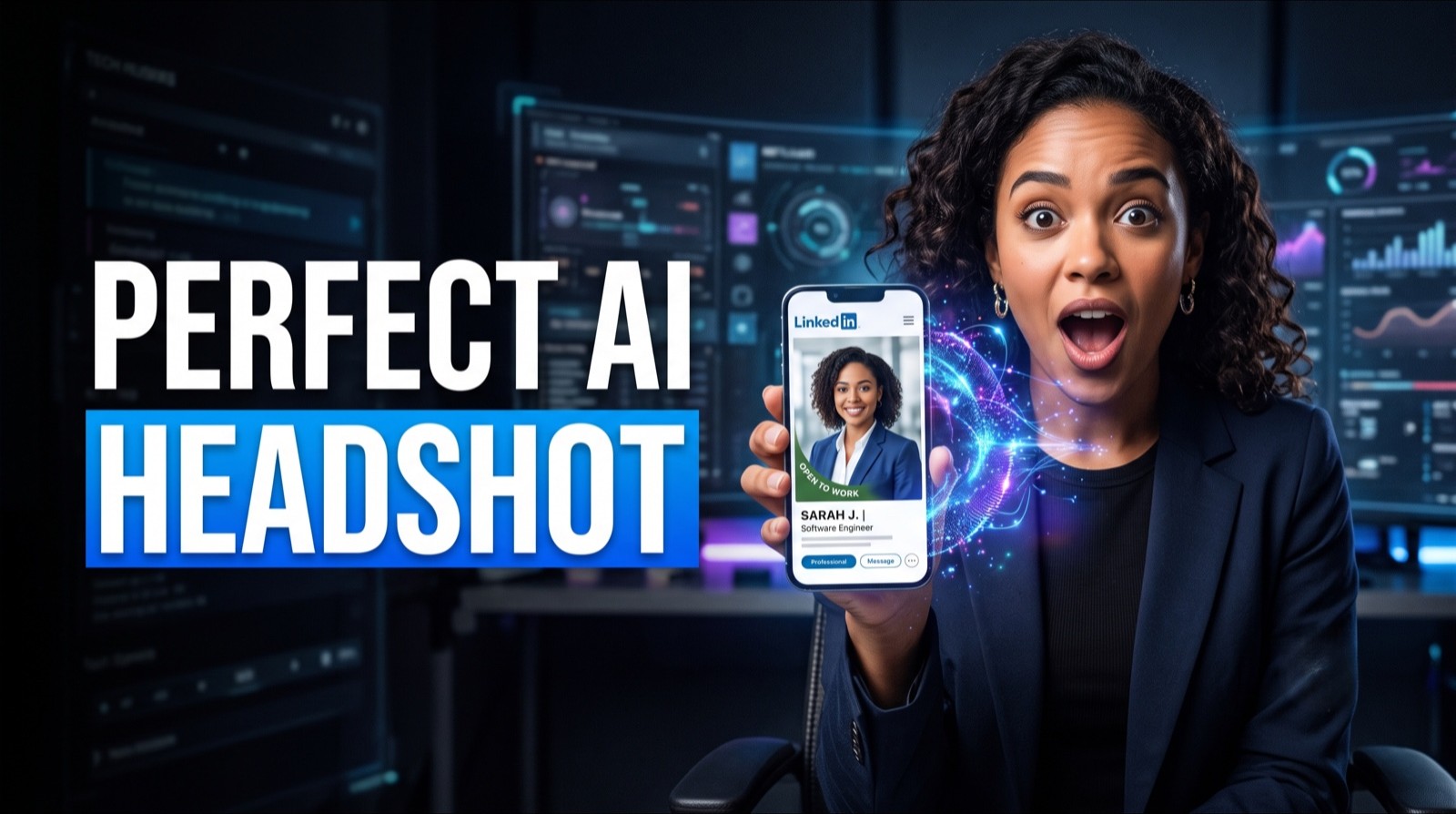
This guide shows you how to create a professional LinkedIn headshot using ChatGPT and a clear photo of yourself. The goal is not a fake model shot. The goal is a clean, realistic profile image that still looks like you.
By the end of this guide, you will have a square headshot generated from your own photo, a couple of alternative versions to choose from, and the image uploaded to your LinkedIn profile.
Who This Is For
Your LinkedIn photo is outdated, cropped from a group shot, or missing
You need a professional-looking headshot and cannot book a photographer right now
You want a result that looks like a real photo of you, not an obviously edited one
Good to Know
Only upload photos of yourself, and check that the result is a fair likeness before you use it
If a version changes your face, age, or features, discard it and regenerate
What You'll Need
• A ChatGPT account with image generation access
• A clear selfie or portrait photo
• Five minutes
Going Further
Generate two or three versions with different backgrounds, then choose the one that still feels most like you. The best LinkedIn photo looks polished, but not so polished that it feels fake.