Record Any Browser Workflow Once and Let Claude in Chrome Replay It Automatically
Record a browser task once and have Claude in Chrome replay it
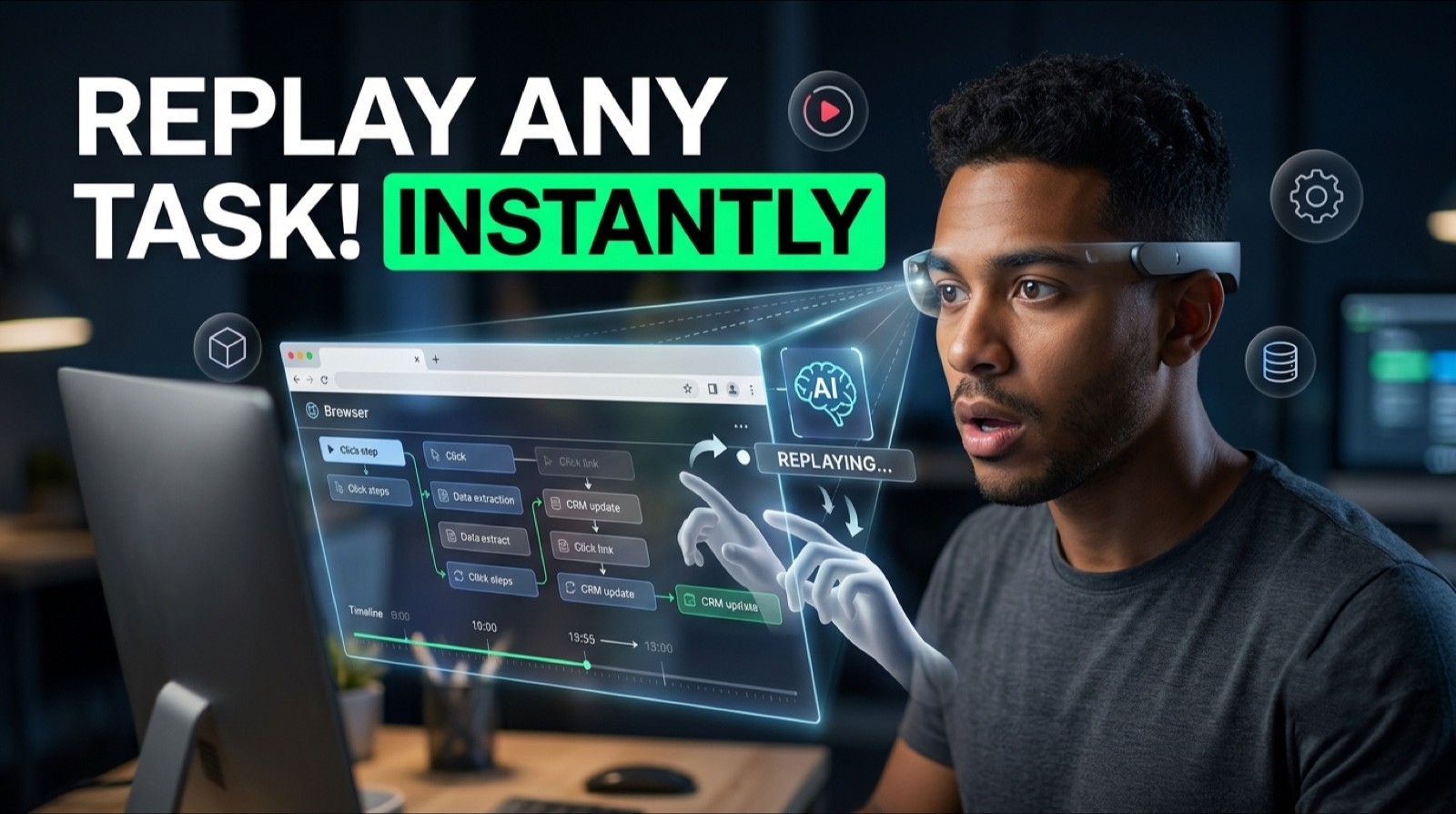
Claude in Chrome
By the end of this guide, you'll have Claude in Chrome recording and replaying repetitive browser workflows, turning a daily manual task into a guided browser automation you can run on command.
Who This Is For
You repeat the same browser workflow every morning, navigating a CRM, pulling data from a platform, checking a dashboard, and it takes more time than it should.
You've looked at automation tools but don't want to write code or set up complex integrations.
You're manually extracting data from websites and copying it somewhere else on a daily basis.
You want to ask questions about any webpage you're looking at without switching to a separate tool.
You want automation that runs inside your existing browser without installing developer plugins or setting up APIs.
What You'll Build
A recorded browser workflow inside Claude in Chrome that:
Captures your complete workflow in one recording session, including clicks, navigation, text input, and data extraction.
Replays the entire sequence automatically on command.
Analyzes any active webpage and answers questions about its content.
Executes specific action blocks, including list pulls, form submissions, and data navigation, on your behalf.
What You'll Need
Google Chrome browser.
Access to Claude in Chrome through an eligible Claude plan or rollout.
A defined repetitive browser task you want to automate.
No code, no API keys, no terminal required.
Going Further
Combine browser automation with a daily briefing - Guide: Automate Your Morning Briefing and Inbox Management With Claude as Your Executive Assistant (AI Agent)
Automate your CRM follow-up after data extraction - Guide: Set Up an Email + SMS Follow-Up Sequence That Does the Most Work (Marketing Automation)
Build no-code workflows connecting your extracted data to other tools - Guide: Generate and Sell Complete N8N Automation Workflows From a Single Prompt (No-Code Builds)