Structure Any Task With Framework Keywords — Get Action Plans, Not Wall-of-Text Answers
Use framework keywords to get action plans, not walls of text
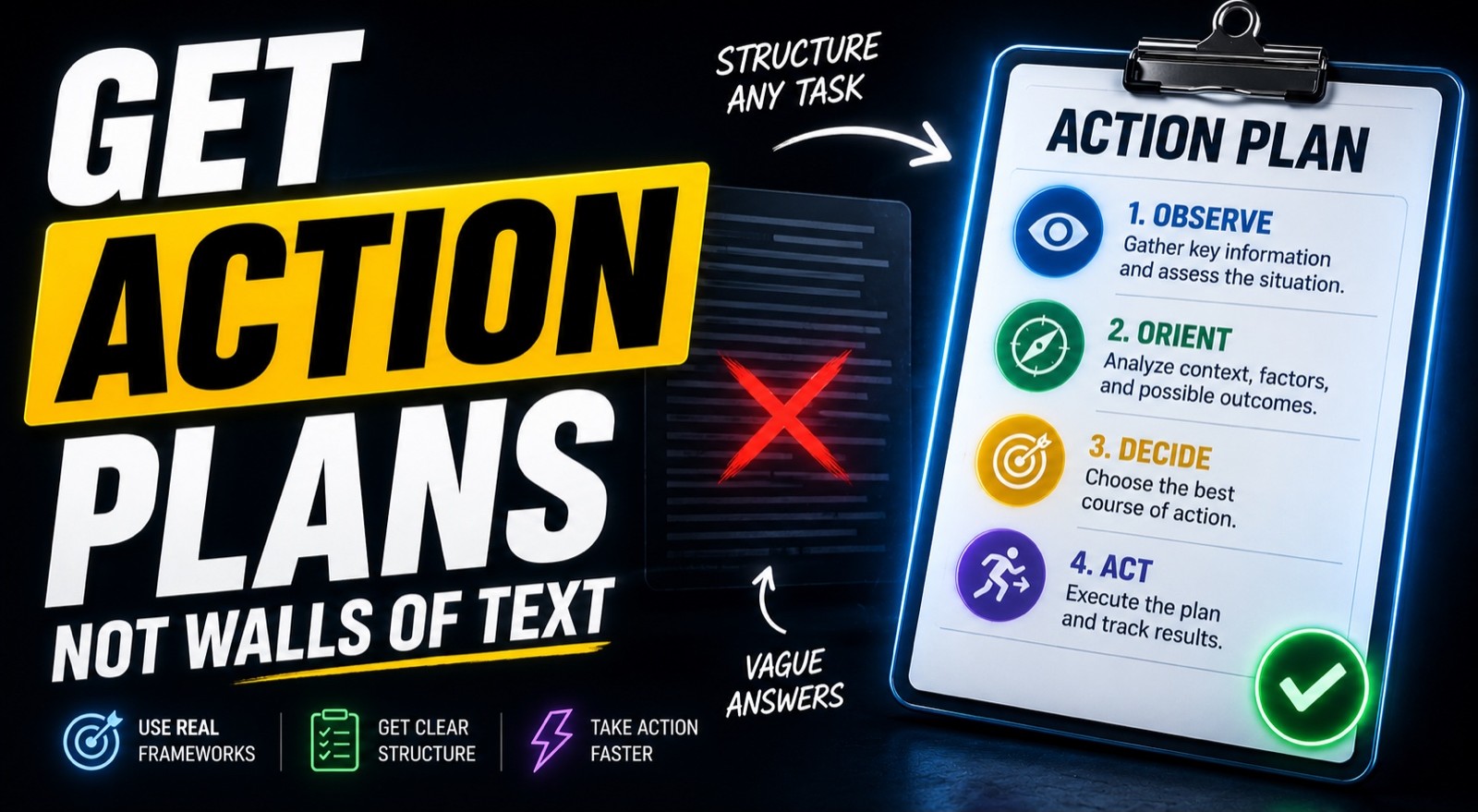
Order Command
By the end of this guide, you'll know how to ask Claude for a structured action plan using real frameworks — so you get a clear sequence of steps you can execute, instead of a long paragraph you have to untangle yourself.
Who This Is For
You ask Claude a question and get back a long block of text you have to re-read three times to find the actual steps
You want action plans you can follow, not essays you have to summarize yourself
You've seen people online claim "secret AI commands" and want to know what actually works
You make decisions and want Claude to think them through in a structured way, not just give an opinion
You want one habit that makes Claude's output more useful across everything you do
What You'll Build
A small set of real, repeatable techniques for forcing structure into any Claude response:
Invoking a named decision framework (like OODA) to get a systematic breakdown
Requesting a numbered, phased action plan instead of prose
Asking for an interactive Artifact when you want a working tool, not a description
Setting an output format (table, checklist, phases) so the answer comes back ready to use
No magic keywords. Just clear instructions Claude actually responds to.
What You'll Need
Claude (web interface or Claude Desktop).
A real task or decision you want structured.
That's it — no tools, no setup, no special commands.
Going Further
Have Claude write the full prompt for you — Guide: Ask Claude to Write Your Prompt for You — The Meta-Prompting Method (AI Foundation)
Make AI output sound human the real way — Guide: The De-AI-ify Checklist: How to Make AI Output Sound Like a Person Wrote It (Copywriting)
Pressure-test a decision with structured frameworks — Guide: Pressure-Test Any Business Decision With a Five-Advisor AI Panel (AI Agent)