
Google Tag Manager
The default way marketing pixels and conversion events get onto a website without a developer, and…
The default way marketing pixels and conversion events get onto a website without a developer, and effectively required infrastructure for anyone running paid ads or GA4 alongside a CMS the marketing team doesn't control.Reviewed
What it does
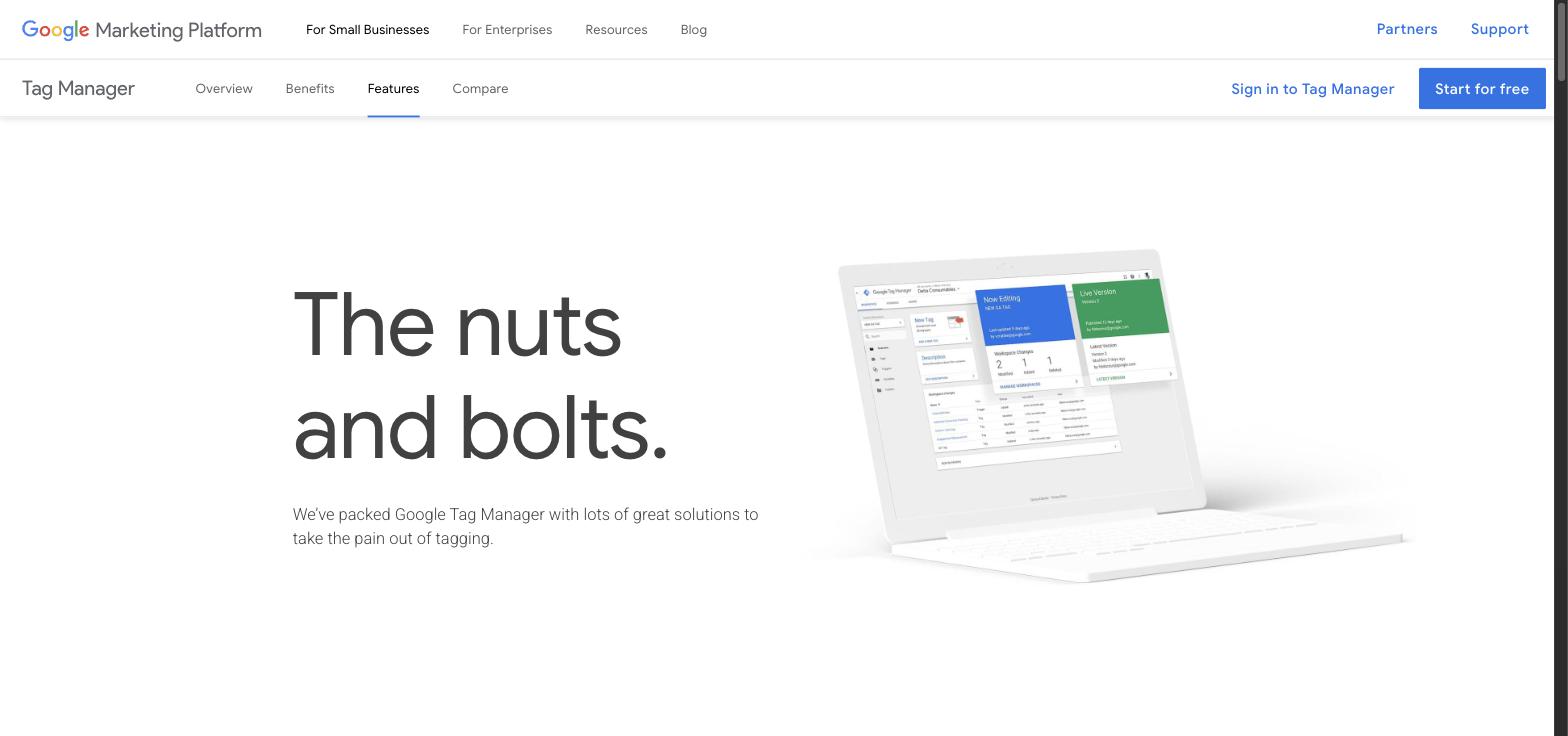
Google Tag Manager is a free tag management system that lets marketers add, edit, and manage tracking scripts, conversion pixels, and analytics tags on a website through a web-based interface instead of editing site code directly. It supports built-in templates for Google Analytics, Google Ads, Meta Pixel, and dozens of third-party tools, plus custom HTML/JavaScript tags, triggers based on user behavior (clicks, form submits, scroll depth), and a built-in preview and debug mode before publishing changes live. GTM is used almost universally alongside GA4 and paid ad platforms because it separates tag deployment from the website's codebase, meaning marketers can launch or fix tracking without waiting on a developer deploy. The enterprise version, GTM 360, adds unlimited workspaces, approval workflows, and multi-environment testing for larger organizations managing many containers.
Who this helps
Marketers who need to launch a new ad pixel or conversion event without filing a developer ticket.
Agencies managing tracking across many client sites who need a consistent, auditable way to deploy and version tags.
In-house teams standardizing GA4, Google Ads, and Meta Pixel deployment through one container instead of scattered inline scripts.
Developers who want tracking changes isolated from the core codebase, reducing the risk that a marketing change breaks the site.

Browse by category
Similar tools





More in Marketing Automation

Browse similar tools