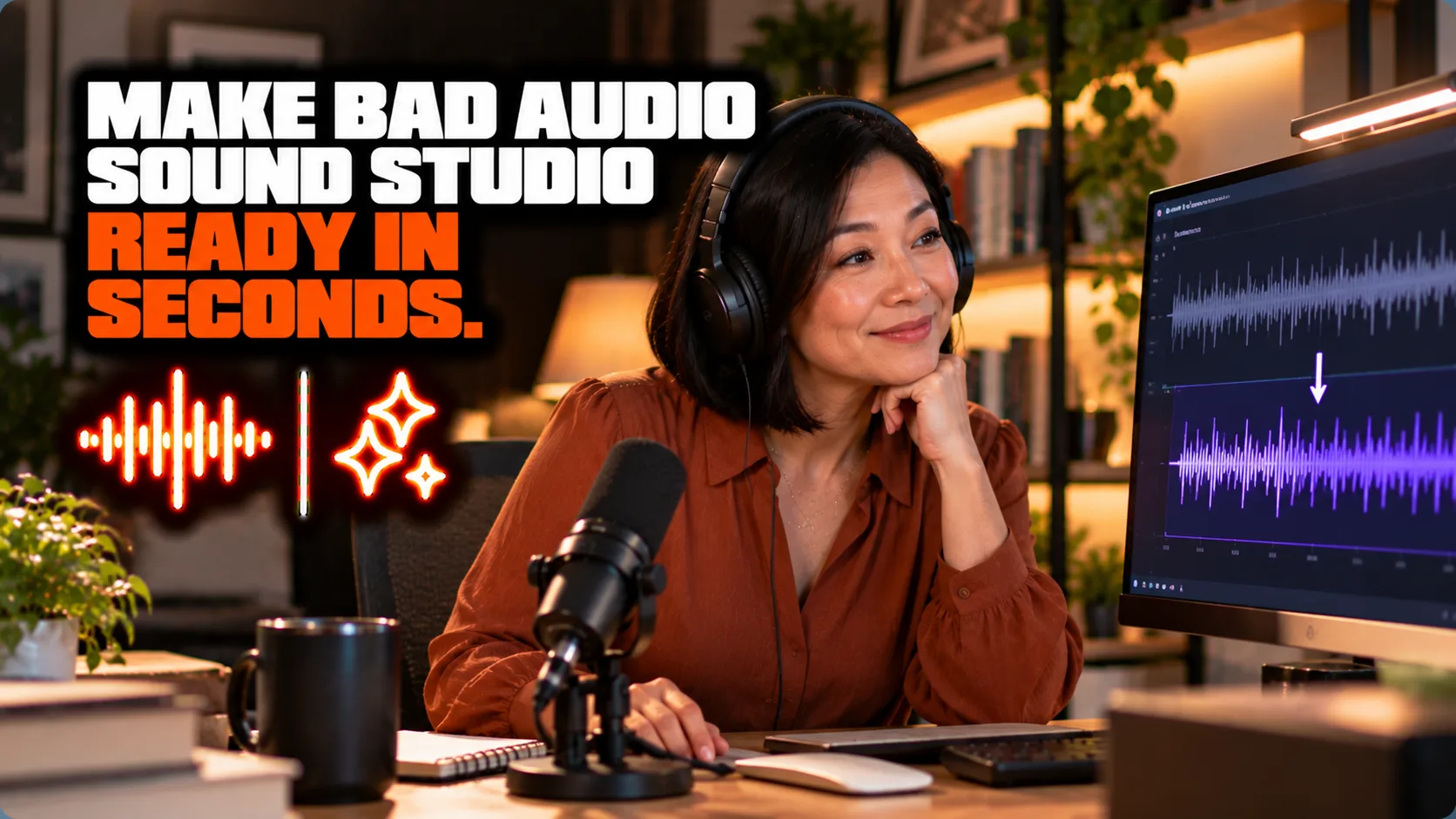
Adobe Podcast (Enhance Speech)
The best free option for rescuing bad-sounding remote interview audio — genuinely useful and genuinely free at casual-use volume, but it's a single tool, not a hosting or editing platform.
What it does
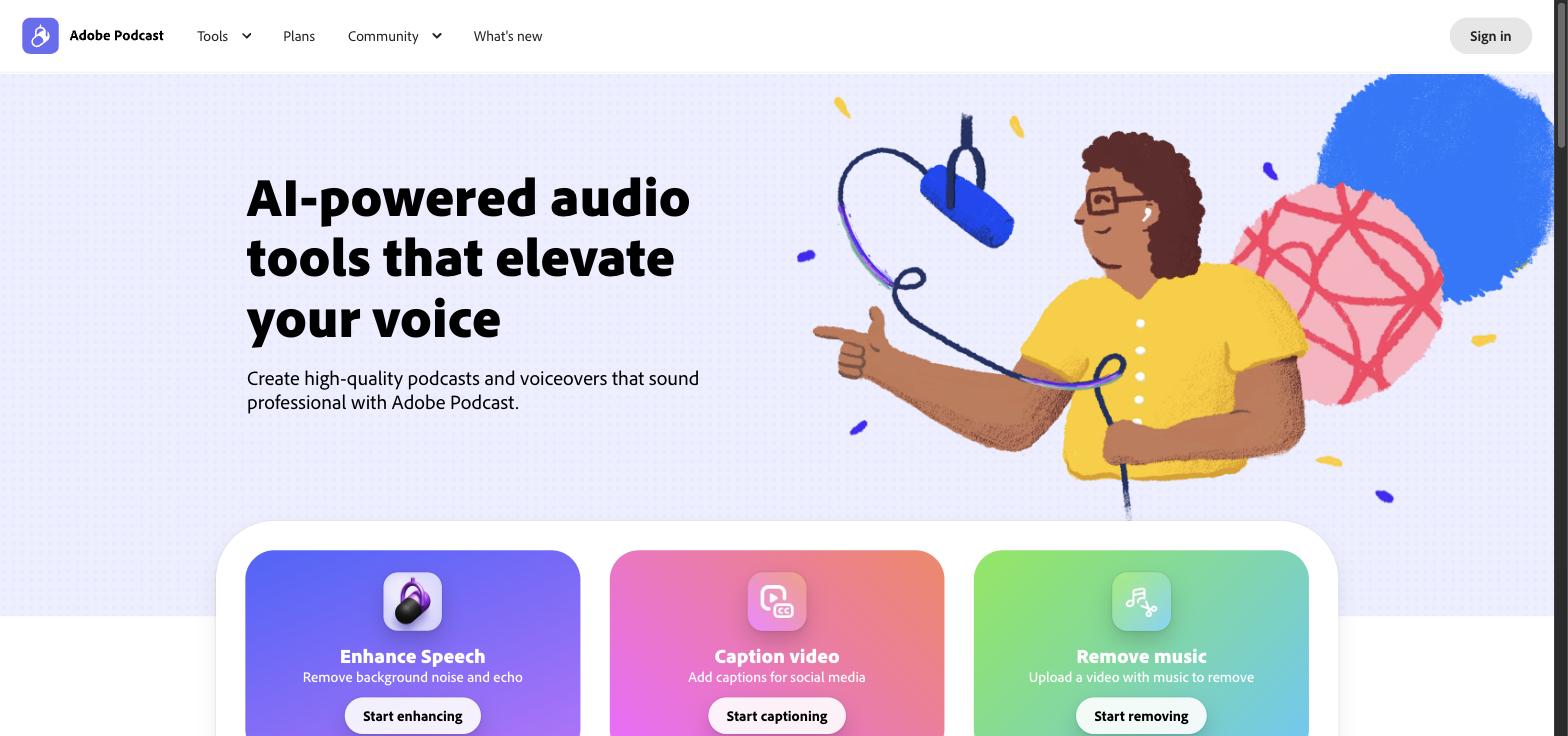
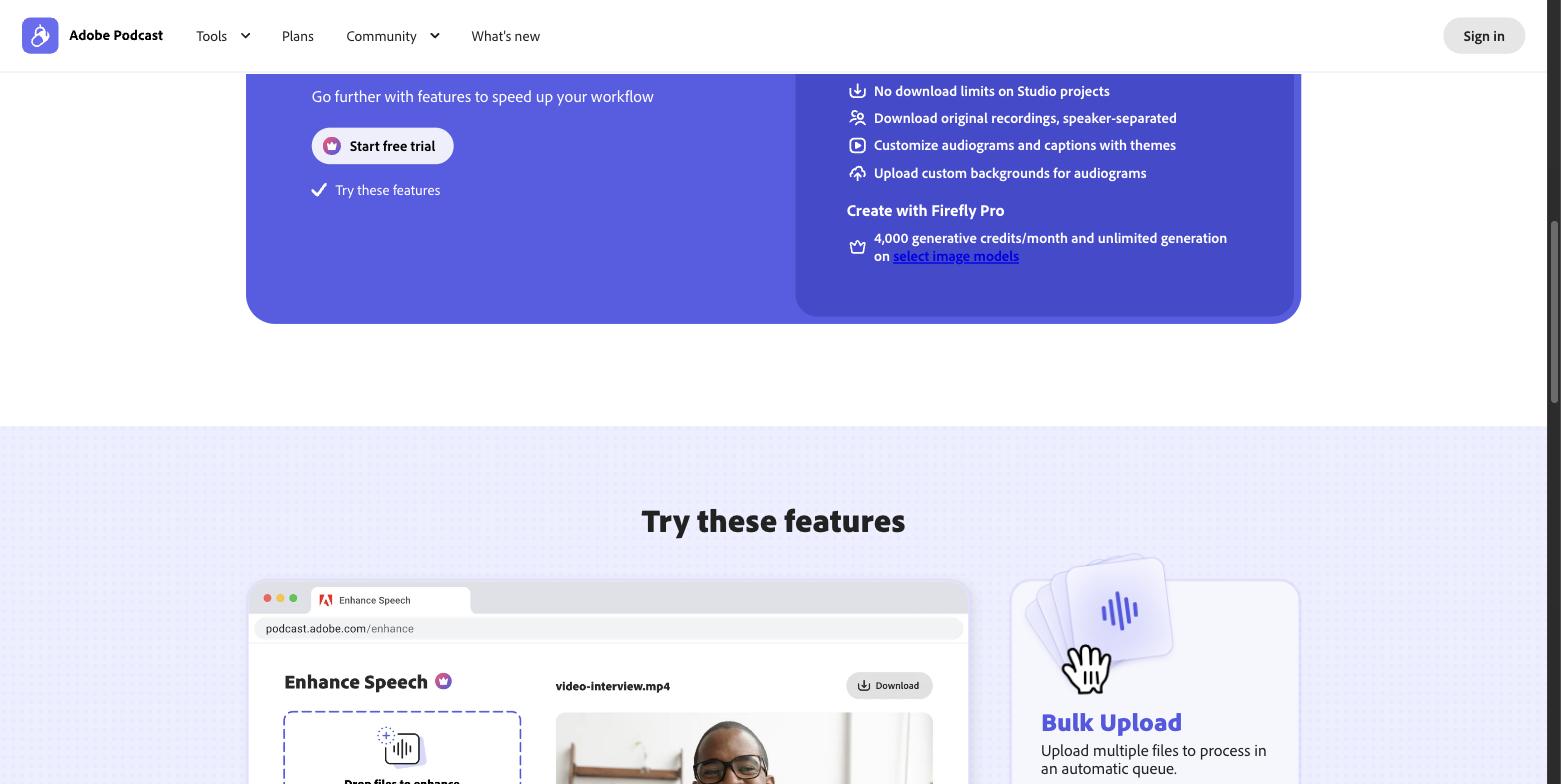
Enhance Speech (the core feature of Adobe Podcast) takes a recording made in a bad-sounding room, over a phone call, or with a low-quality mic, and processes it to sound like it was recorded in a professional studio, removing background noise, echo, and hiss. The free tier handles 1 hour/day at up to 500MB and 30 minutes per file; Premium ($9.99/mo or $99.99/year) raises limits to 4 hours/day, 1GB/2-hour files, adds batch uploads, video support, speaker-separated downloads, and removes branding. A recent update added independent sliders for speech, noise, and music, letting users strip background music while preserving voice and natural room ambience.
Who this helps
You record in a bad-sounding room or with a cheap mic.
You want phone or Zoom audio cleaned up to sound like a studio.
You want noise, echo, and hiss removed without audio skills.
You want to try it free before upgrading.
Browse by category
Similar tools







Browse similar tools