Stack 5 Real Claude Techniques for Expert-Grade Output
Combine five proven techniques for expert-level Claude answers
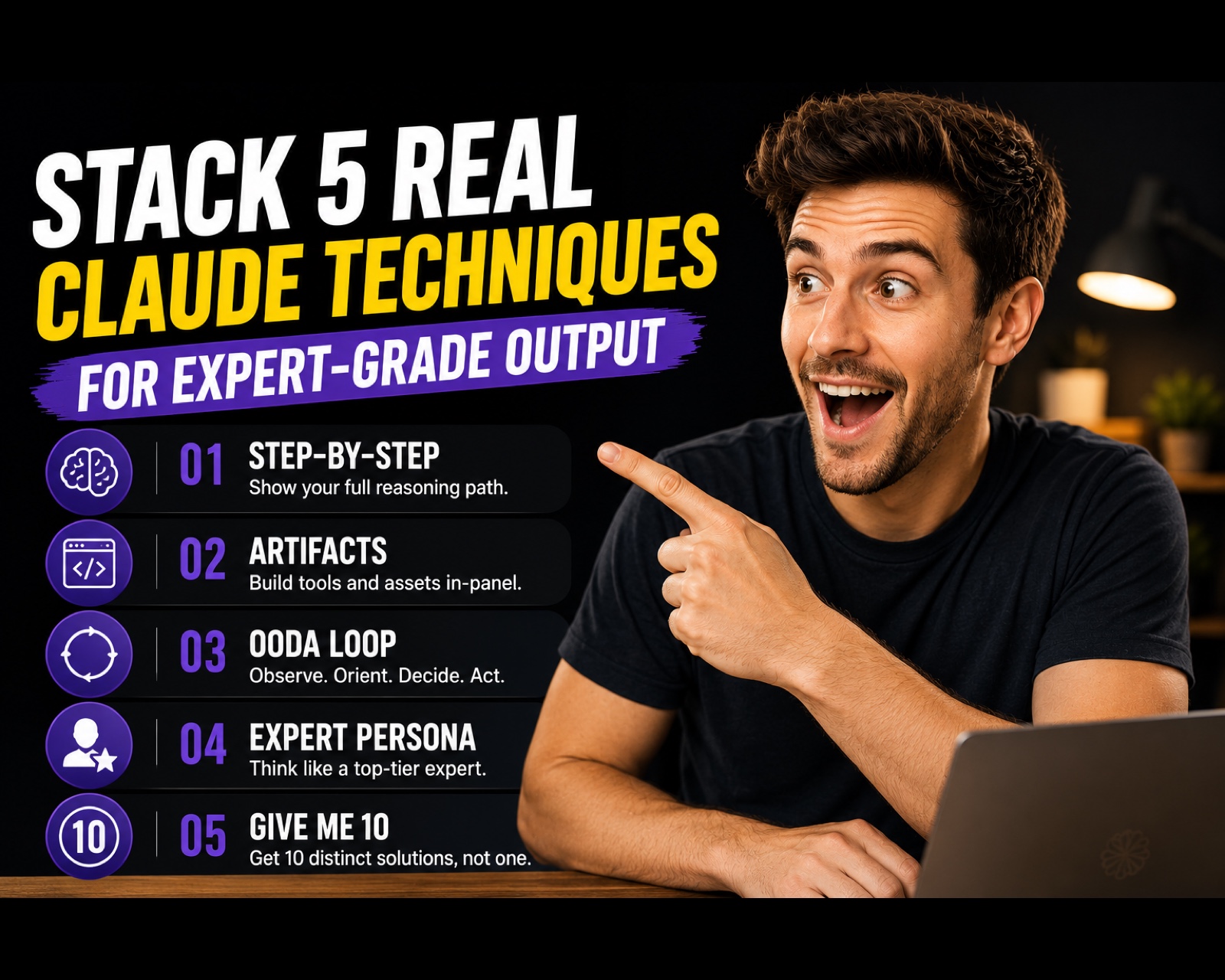
5 Claude Power Techniques
By the end of this guide, you'll know how to stack five real Claude techniques in a single prompt — forcing deeper reasoning, built-out tools, expert-level framing, and ten options instead of one — to get strategic output far beyond Claude's default answer.
Who This Is For
You get fast, surface-level answers from Claude and want the deep, reasoned version
You take Claude's first idea because you don't know how to push it for better ones
You want strategy that comes with the actual built tools, not just descriptions
You've learned individual prompting tricks and want to combine them into one powerful prompt
You're making a real business decision and want expert-grade thinking, not boilerplate
What You'll Build
A single stacked prompt that forces Claude through five real techniques in sequence:
Think Step-by-Step — Claude shows its full reasoning path, not just the conclusion
Deploy Artifacts — Claude builds working tools, dashboards, or code in the side panel
Apply the OODA Loop — Claude processes your goal through Observe, Orient, Decide, Act
Act as an Expert — Claude shifts its full frame to a top-tier specialist in your domain
Give Me 10 — Claude pushes past its default first answer to generate 10 distinct options
What You'll Need
Claude (web or desktop)
A real, complex goal worth the deeper treatment
No tools, accounts, or setup required
Going Further
Have Claude write the stacked prompt for you — Guide: Ask Claude to Write Your Prompt for You — The Meta-Prompting Method (AI Foundation)
Set up the individual techniques as reusable commands — Guide: Set Up 3 Custom Slash Commands (AI Foundation)
Pressure-test the winning option with a full advisory panel — Guide: Pressure-Test Any Business Decision With a Five-Advisor AI Panel (AI Agent)