Replace 6 Fragmented Tools With One Automated AI Workspace Using Obvious
Run one automated workspace instead of six disconnected apps
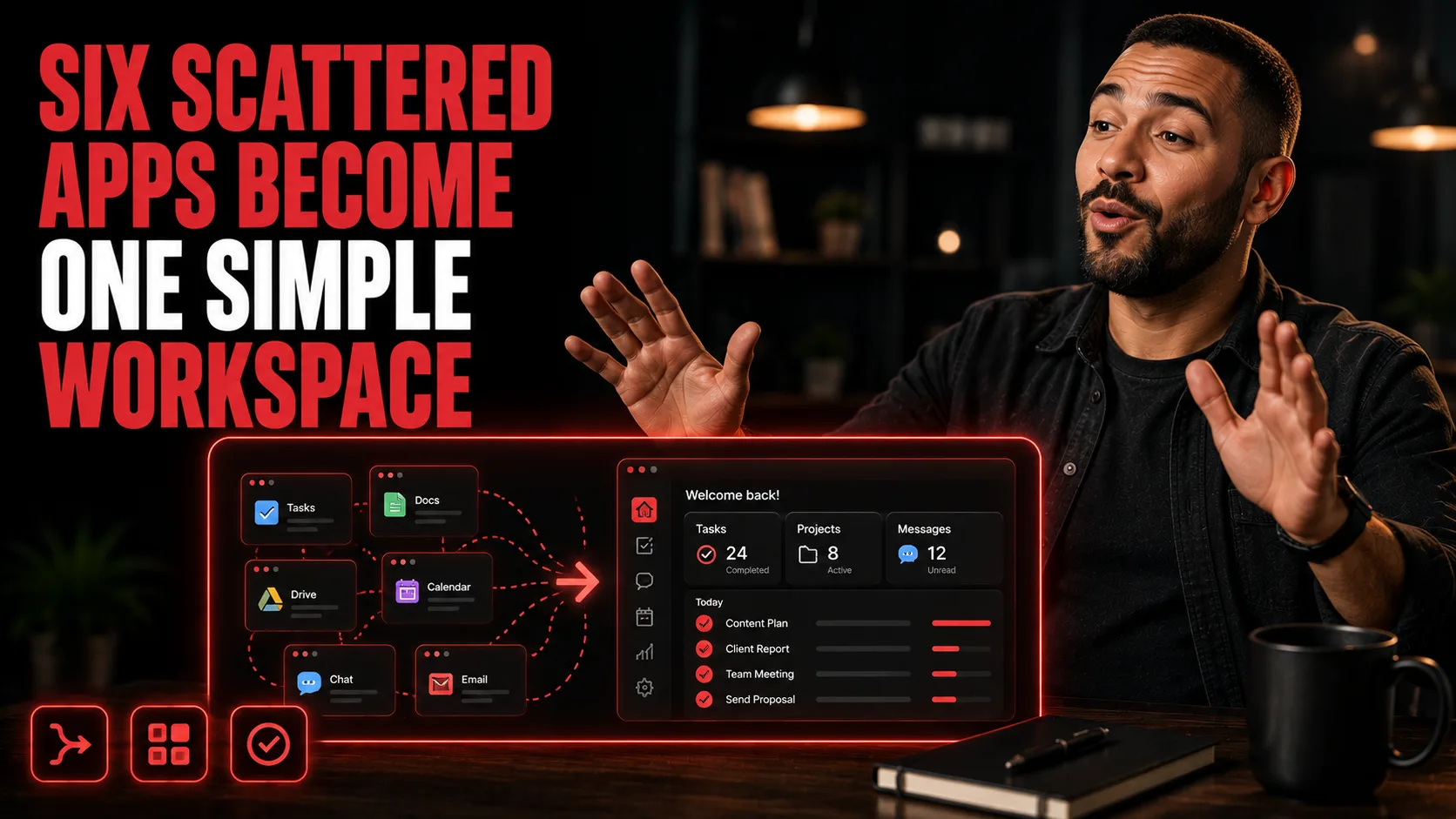
Automate Your Workspace With Obvious
By the end of this guide, you'll have a single automated workspace running your documents, spreadsheets, email, calendar, and Slack — with recurring tasks executing daily or weekly without you touching anything.
Who This Is For
You're toggling between Gmail, Slack, Google Docs, Sheets, and Calendar every day and losing time to the switching
You're manually compiling weekly reports or status updates that could run themselves
You've tried project management tools but they still require you to update them
You want one place where your team's communication, files, and schedules actually talk to each other
You're running a small operation and can't afford to hire someone just to keep things organized
What You'll Build
A configured Obvious workspace that connects and centralizes:
Documents, spreadsheets, and slide decks in one dashboard
Email, calendar, and Slack linked directly into the same environment
Recurring automated tasks running on a daily or weekly schedule — no manual trigger needed
What You'll Need
An Obvious workspace account (obviousai.com)
Active accounts for the tools you want to connect: Gmail, Slack, Google Calendar, or equivalents
Your project details ready (name, core goal, connected tools)
No coding required
Going Further
Add AI agents to handle tasks inside this workspace — Guide: Run 60 AI Coding Agents in Parallel Using Rooflow and Claude Code (AI Agent)
Connect your email workflows to an automated follow-up sequence — Guide: Set Up an Email + SMS Follow-Up Sequence That Does the Most Work (Marketing Automation)
Build a scheduling system for your social content inside a unified workflow — Guide: Schedule a Full Week of Posts in 45 Minutes (Social Media)