How to create a Landing Page (ChatGPT Prompt)
Turn one ready-to-use ChatGPT prompt into a complete landing page draft
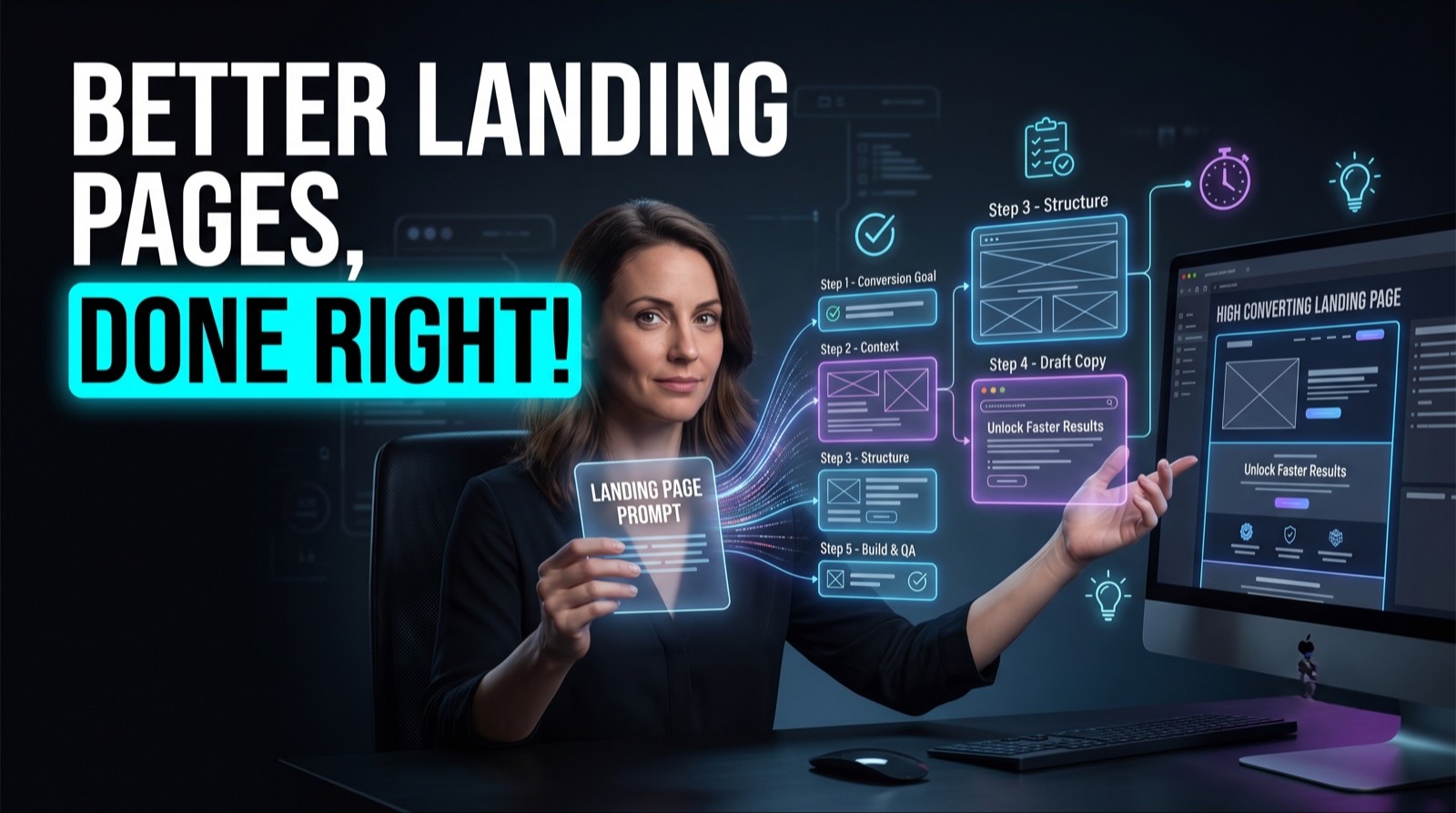
You do not need a long back-and-forth to get a landing page draft from ChatGPT. A single master prompt with the right blanks filled in will produce the headline, benefits, proof, and call to action in one pass. The work is in filling the blanks accurately and editing what comes back.
By the end of this guide, you will have a filled-in master prompt you can reuse, a complete landing page draft, improved headline options, and the copy placed in your page builder.
Who This Is For
You need a landing page draft today and do not want a long process
You are new to ChatGPT and want a prompt you can copy and fill in
You launch offers often and want one prompt to reuse each time
You have a page builder ready and only need the words
What You'll Build
A master prompt with your offer details filled in
A full landing page draft from one ChatGPT run
A set of stronger headline and call-to-action options
Final copy placed section by section in your page builder
What You'll Need
Access to ChatGPT
Five facts about your offer: what it is, who it is for, the main result, the proof, and the next step
A page builder or website editor to paste the copy into
Ten minutes to read and edit the draft
Going Further
Save your filled-in prompt so you only change the offer details next time
Run the same prompt for a second audience and compare the two drafts
Test two headlines on the live page and keep the one that gets more sign-ups