Claude Browser Automation Pipeline
Record a repetitive browser task once and let Claude replay it automatically
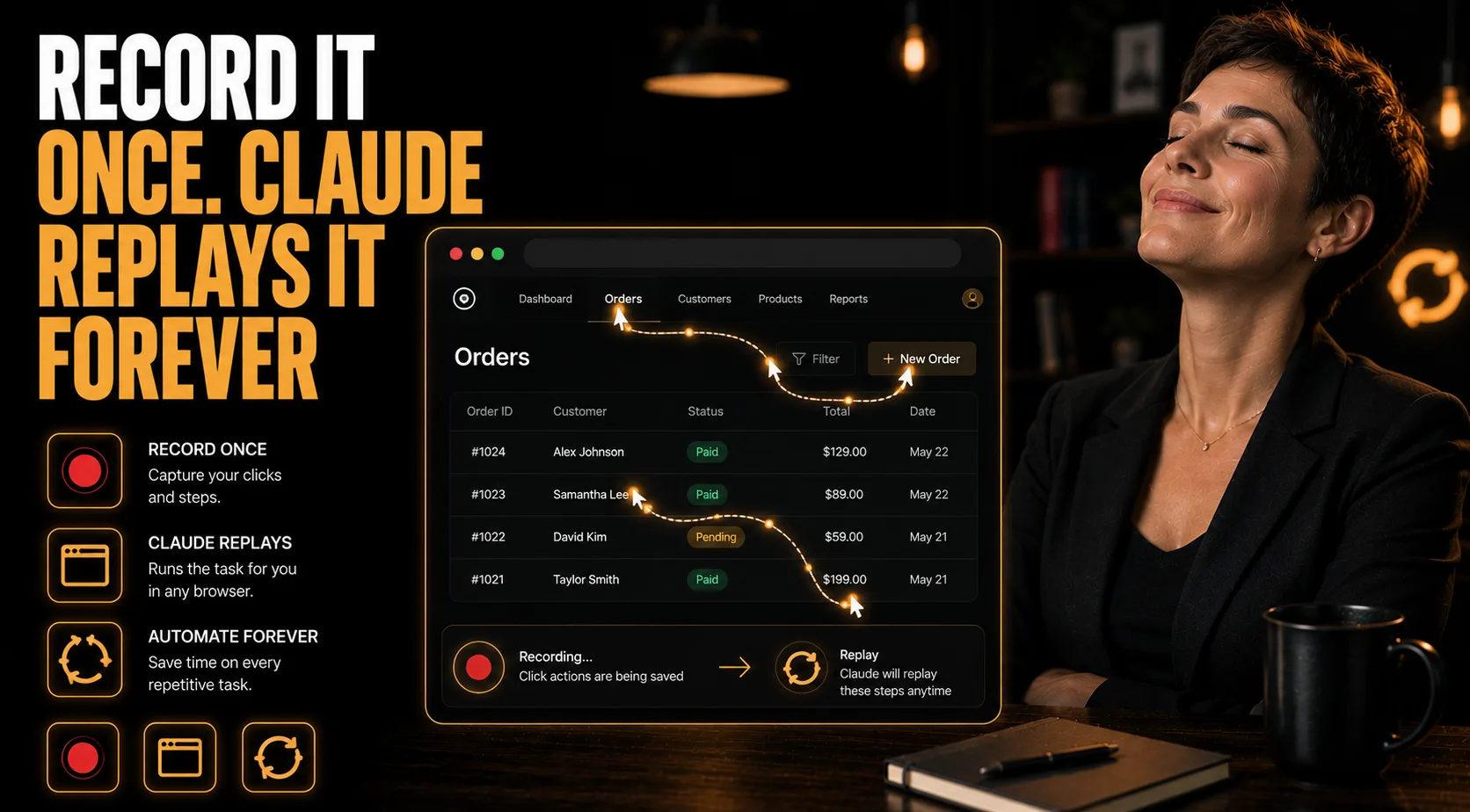
Record-Once Automation
By the end of this guide, you'll have your repetitive browser routine saved as an automation Claude can replay on demand — taught by demonstration rather than code, using only the free Claude Chrome extension, so a 20-minute daily task in your CRM or spreadsheet runs on a trigger instead of by hand.
Who This Is For
You have a 20-minute morning routine in a CRM, database, or online spreadsheet that you repeat by hand every single day — and you don't write code.
What You'll Have
A saved automation that remembers every click, every field you typed into, and every tab you navigated — recorded once by demonstration.
Three ways to trigger it: run the full saved sequence on a new tab, execute a single action block from it, or just ask Claude questions about the page you're on.
What You'll Need
Google Chrome, and the free Claude Chrome extension — nothing else to install.
One repetitive workflow you already do by hand, and access to the site it runs on.
A few minutes to complete that workflow slowly and deliberately while the extension records it.
Going Further
Hand the whole store's operations to an agent, not just one browser routine — Guide: Claude CoWork: Remote E-commerce Autopilot Pipeline (AI Agent)
Make the setup permanent so Claude already knows your tools each session — Guide: Claude Code Custom Skills Deployment Pipeline (AI Agent)
See what your automations produced in one place — Guide: Build a Command Center Dashboard With Claude (AI Agent)