Build a Complete AI Marketing Campaign in One Browser Session — AI Character, Product Mockups, and Video Ads Without Downloading a Single Tool
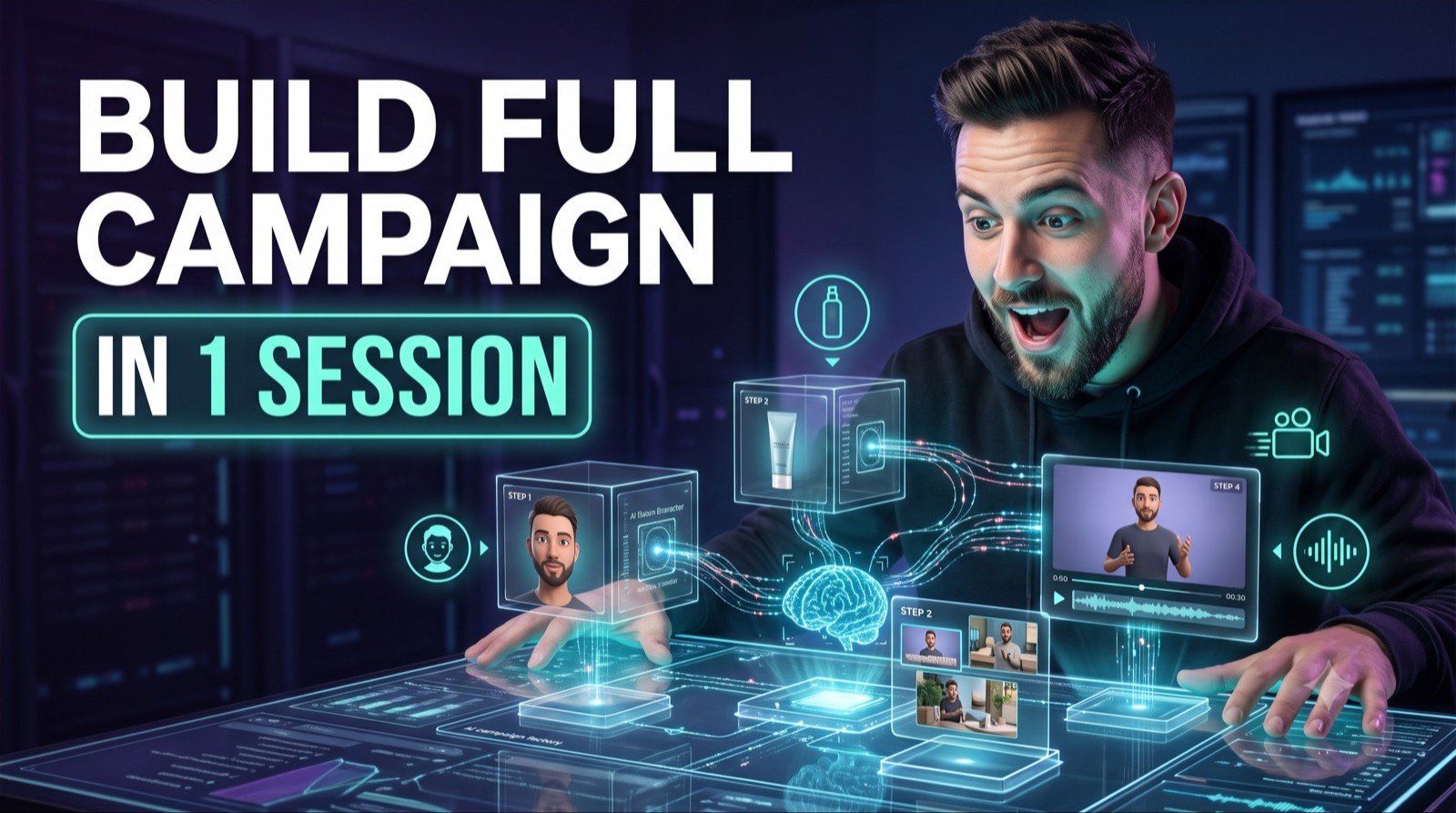
AI Campaign in One Browser Tab
By the end of this guide, you'll have a consistent AI marketing character, your product placed into it with 95%+ accuracy, animated with voice, and ready to run as a video ad. Four browser tabs. No model fees. No production team. No agency. What this used to cost in talent and production can now be done by one person with a browser and an idea.
Who This Is For
• You sell a product and want video ads without paying for a production shoot or UGC creator
• You've tried AI tools before but ended up with inconsistent characters that don't match across images
• You want the same AI character holding your product in 10 different scenes, not 10 different faces
• You're an agency owner who wants to offer AI-generated creative at a fraction of what production agencies charge
• You want to test 20 ad variations before committing to a single production budget
What You'll Build
A four-step campaign production workflow:
AI character — a consistent, reusable face and body created with Midjourney's Omni Reference feature
Product mockups — your actual product dropped into the character's hands or scene with ChatGPT's image generator
Scene variations — the character placed into multiple environments using Higgsfield's Flux Context
Animated video ad — the character brought to life with motion and voice using Hagen
What You'll Need
Midjourney — paid plan ($10–$30/month) at midjourney.com
ChatGPT Plus — $20/month at chatgpt.com
Higgsfield — free tier available at higgsfield.ai
Hagen — free tier available at hagen.video
A clean product image (white or transparent background preferred)
Going Further
Scale to 20 variations fast — once your base character is locked in Midjourney, generating a new scene or product variation takes 2 minutes. Run 10 scene prompts in Higgsfield, pick the top 3, animate each with a different script in Hagen. You have a full testing library before you've spent anything on actual ad spend
A/B test the character — create two characters (different demographics) using separate Omni Reference images. Run both through the same scenes and scripts. Let ad performance tell you which character converts better with your audience before committing to one
Repurpose across platforms — a 15-second Hagen video becomes a TikTok, a Meta Reel, a YouTube Short, and a story ad. The static mockups from Steps 2 and 3 become carousel images, email headers, and product page assets. One workflow, six formats