Automate Meeting Recaps and Follow-Ups With tl;dv
Turn every call into a recap and action list automatically
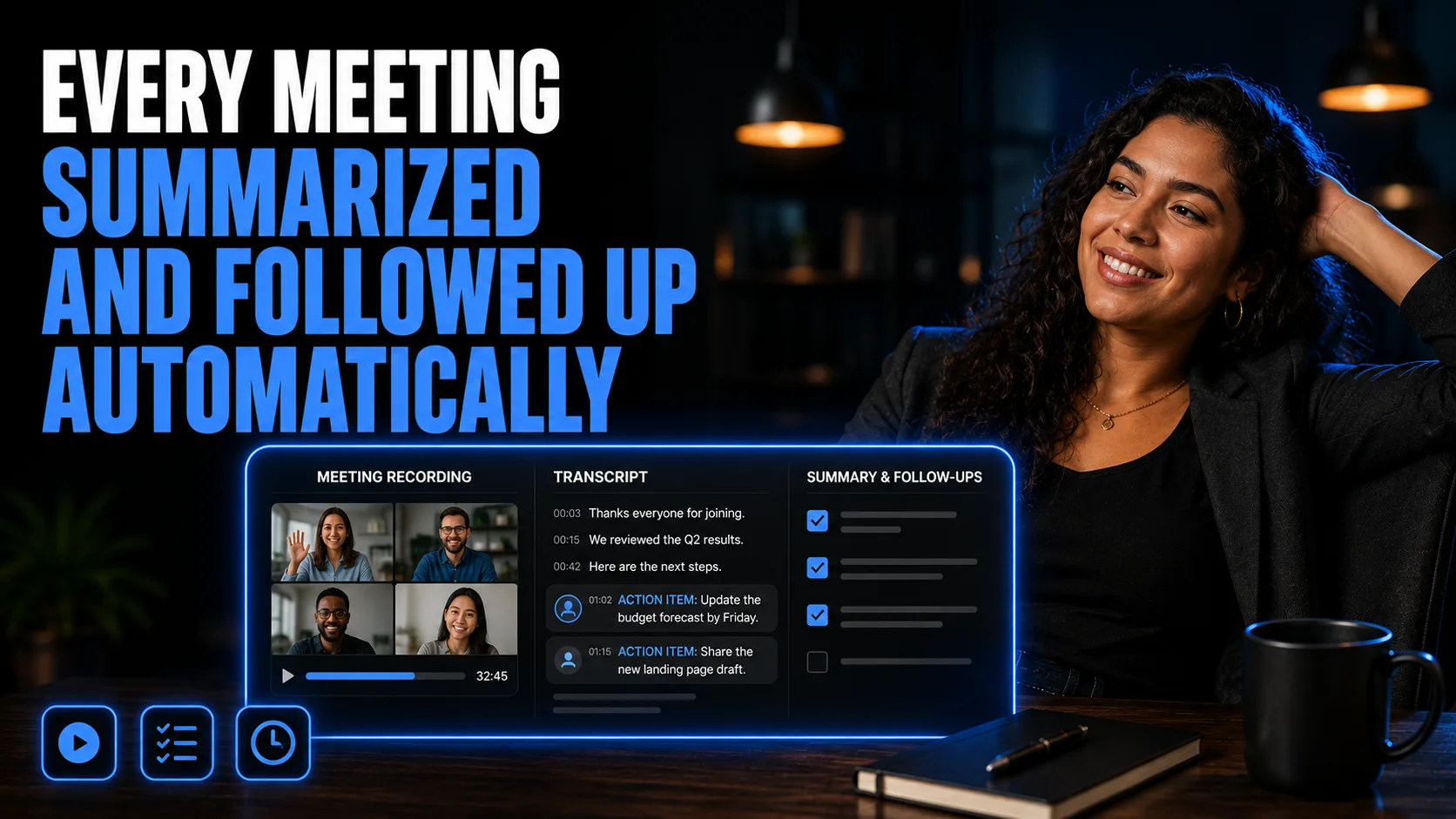
tl;dv Meeting Automation System
By the end of this guide, you'll have every meeting automatically recorded, transcribed, and summarized by tl;dv, with action items turned into a structured recap and follow-up sequence.
Who This Is For
You forget what was decided in meetings or lose action items in the shuffle
You want every call recorded and transcribed automatically
You want action items pulled out and turned into follow-ups without manual note-taking
You run sales calls and want coaching insights (playbook adherence, objection handling)
You want meeting insights flowing into your CRM or project tools
What You Will Build
Every meeting automatically recorded, transcribed, and summarized by tl;dv
Action items and key points extracted automatically
A structured post-meeting sequence (recap, action items, follow-up) built with an LLM from the transcript
Optional: shareable clips instead of full recordings, and CRM/tool integrations
What You Will Need
A tl;dv account (free tier available; tldv.io)
Claude or ChatGPT, to turn transcripts into structured follow-up sequences
Your meeting platform (Zoom, Google Meet, Teams)
Going Further
Build the follow-up sequence into a full automated flow — Guide: Set Up an Email + SMS Follow-Up Sequence That Does the Most Work (Marketing Automation)
Turn a meeting transcript into broader content — Guide: Turn One Transcript Into a Full Cross-Platform Content Campaign (Content Creation)
Use AI call coaching insights for your sales scripts — Sales category