Edit Raw Footage Into a Finished Video in One Tap With Captions
One-tap AI editing that adds B-roll, captions, transitions, zooms, and color grading automatically
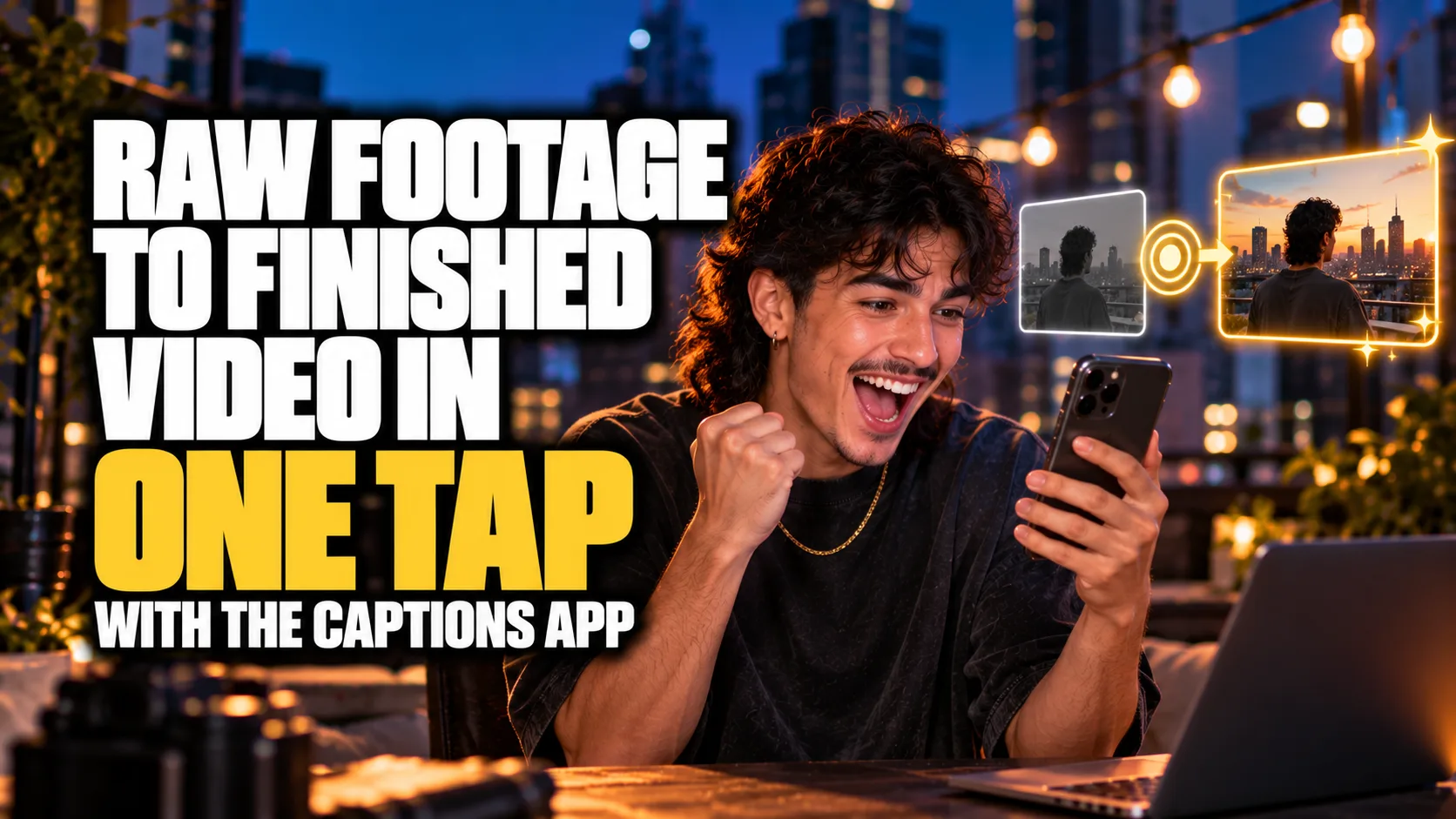
One Tap, Finished Video
By the end of this guide, you'll turn raw footage into a fully edited short video in one tap with Captions, B-roll, captions, transitions, and color grading added automatically.
Who This Is For
You film short videos and dread the editing afterward
You want captions, B-roll, and transitions without doing them by hand
You post short-form video and need to turn clips around fast
You're not a video editor and want professional results anyway
You create on your phone and want editing that works there
What You'll Build
A fully edited short video from raw footage, with Captions automatically adding:
A matched editing style
Custom B-roll, sound effects, transitions, and zooms
Animations and color grading
Captions (its signature feature)
What You'll Need
The Captions app (mobile or desktop; free tier available)
Raw footage (a talking-head clip, a selfie video, etc.)
Going Further
Auto-clip long videos into shorts first — Guide: Turn Long Videos Into Short Viral Clips Automatically With OpusClip (Content Creation)
Generate the voiceover — Guide: Create Realistic AI Voiceovers and Audio in Minutes With ElevenLabs (Content Creation)
Build the editing-workflow skill — practice on 3 real clips until the review-and-adjust step takes under a minute