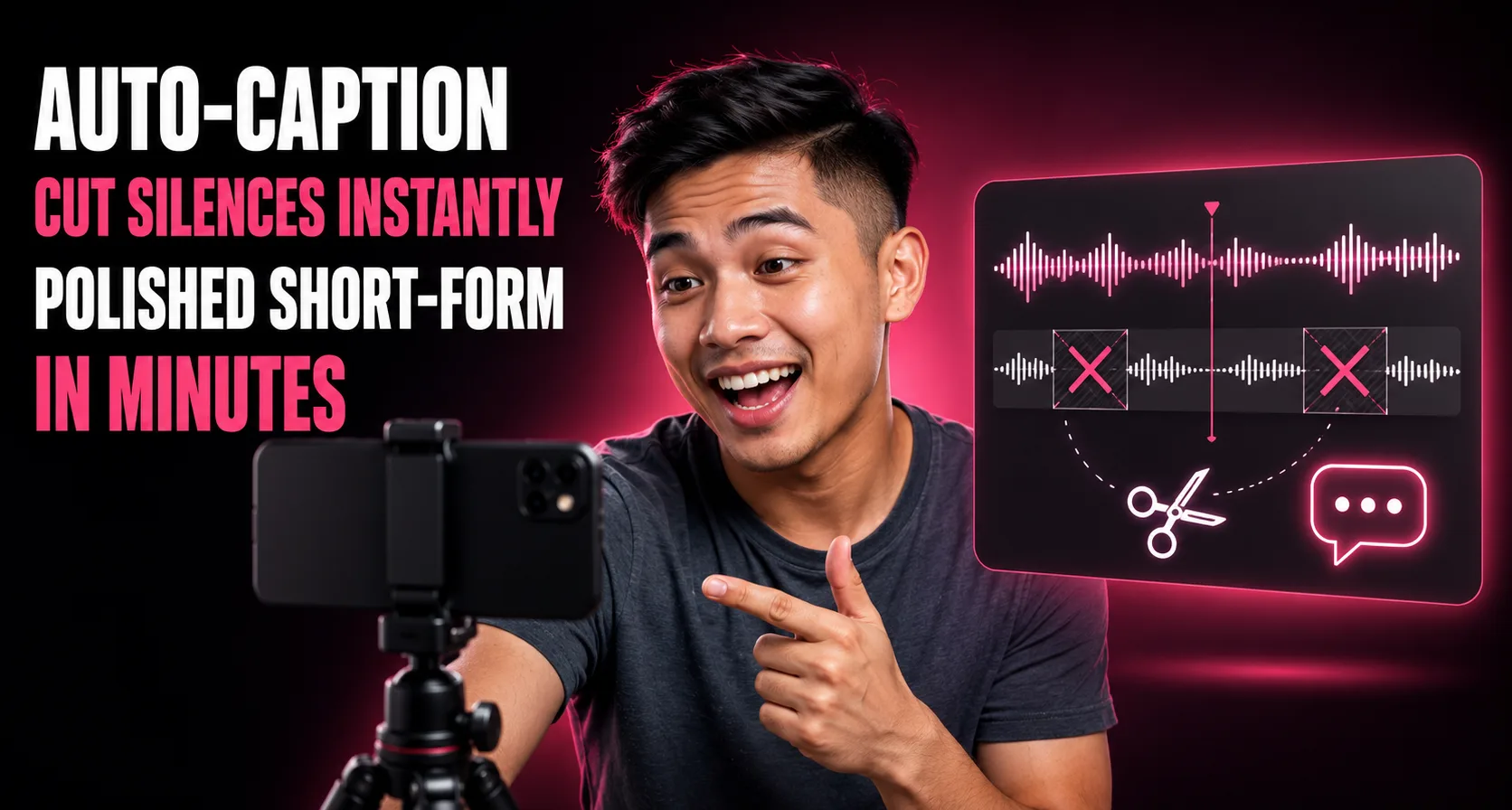

Submagic auto-captions and auto-edits short-form video (removing silences and bad takes, adding B-roll and stylized captions), and it fits creators who already have raw footage and want fast, polished output rather than a generation tool.
What it does
A closer look at Submagic's auto-editing and captioning
Submagic takes an already-recorded video and automates the editing layer: AI captioning with stylized templates, automatic silence/filler removal, "Magic Clips" for pulling shorter cuts from longer footage, audio cleanup, and eye-contact correction. It exports to multiple resolutions and can publish directly to TikTok, YouTube, and Instagram.
The realistic user is a talking-head or UGC-style creator who films raw footage and wants fast, caption-heavy short-form output without manually editing in CapCut or Premiere — it's built around the specific look (bouncy captions, B-roll inserts) common to TikTok/Reels content.
It overlaps with CapCut and Kapwing on the editing side, and with Opus Clip/Vizard on the clip-extraction side, but its niche is speed and the specific caption aesthetic. The tradeoff: Trustpilot reviews show a real, recurring complaint pattern around billing — unexpected subscription renewals and charges without clear notification — even though the overall rating (around 4.5/5) suggests these are a minority of accounts rather than the norm.
Browse by category
Similar tools

More in Content Creation



Browse similar tools